Home › Templates › Strategy diagrams
Strategy diagram templates for PowerPoint
The classic shapes for a strategy story: a strategy house with its pillars, a pyramid, a three-circle Venn, a hub and spoke, concentric circles and a layered stack. Each diagram is built from ordinary shapes you can relabel and resize. Every page arrives in your deck's own colors and fonts.
- Mac: all 7, in the Templates tab of the SlideShortcuts panel.
- Windows: all 7, under Insert > Templates on the SlideShortcuts tab.
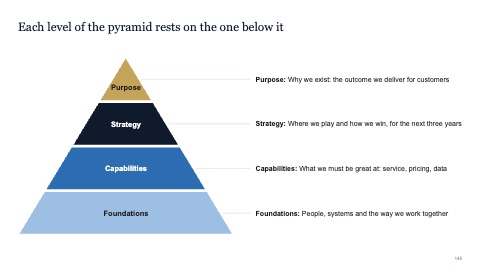
Pyramid
MacWindows

Three-circle Venn
MacWindows
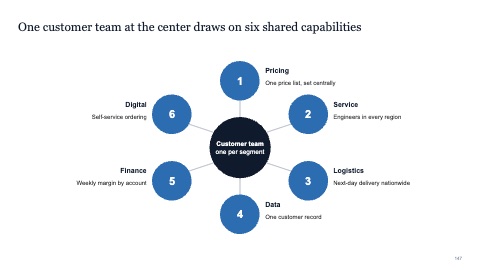
Hub and spoke
MacWindows

Concentric circles
MacWindows
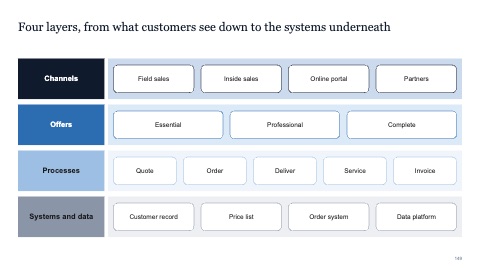
Layered stack
MacWindows
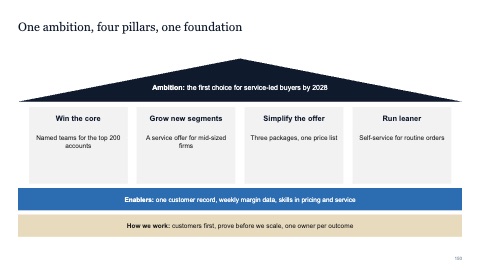
Strategy house
MacWindows
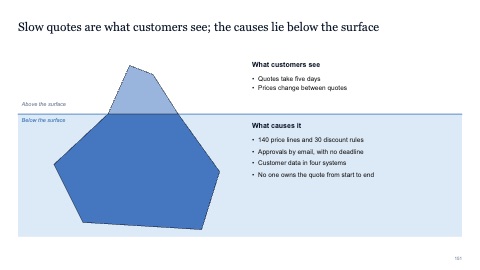
Iceberg
MacWindows
Numbers and names on the templates are samples. Replace them with your own.
Questions
What is a strategy house?
A diagram with the ambition as the roof, the strategic priorities as pillars and the enablers as the foundation. It shows a whole strategy on one page.
When should I use hub and spoke?
When one central thing connects to several others that don't depend on each other, like a platform and its services, or a head office and its regions.
Try every page in your own deck
Every SlideShortcuts plan includes the templates, the keyboard shortcuts and the charts.
Start free trial7 days free, then $9.99 a month plus any tax. Card required. We email you 3 days before the trial ends. Cancel before day 7 and pay nothing.