Consulting slide templates, in your deck's own colors
531 pages in 30 sections: matrices, issue trees, timelines, charts, org charts and more. Insert one from PowerPoint and it takes your deck's theme colors and fonts.
- Mac: all 531, in the Templates tab of the SlideShortcuts panel.
- Windows: all 531, under Insert > Templates on the SlideShortcuts tab.
How it works
- Open Templates. On Windows: Insert > Templates on the SlideShortcuts tab. On a Mac: the Templates tab in the SlideShortcuts panel.
- Search or browse the sections.
- Insert. The page lands after the slide you're on, in your deck's own colors and fonts, ready for your words.
30 sections, 531 pages
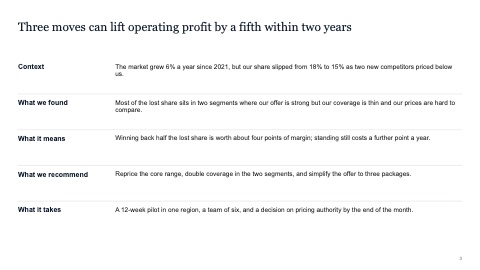
Storyline and executive summary
13 pages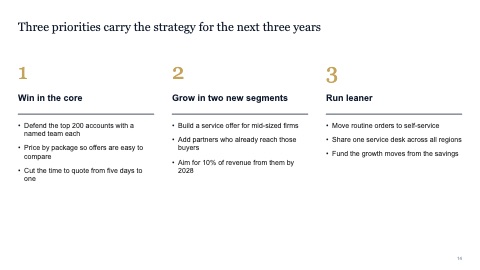
Frameworks
20 pages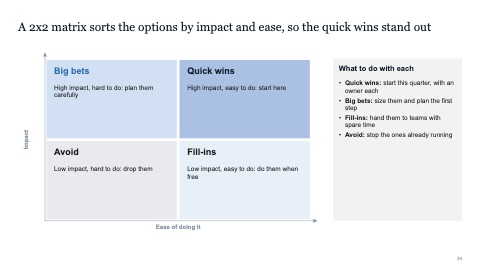
2x2 matrices
19 pages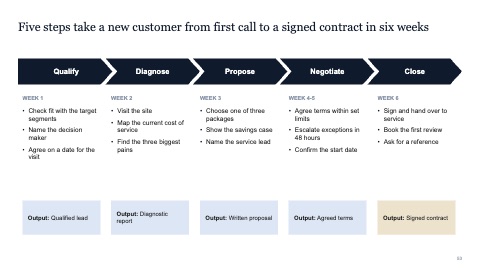
Process flows
12 pages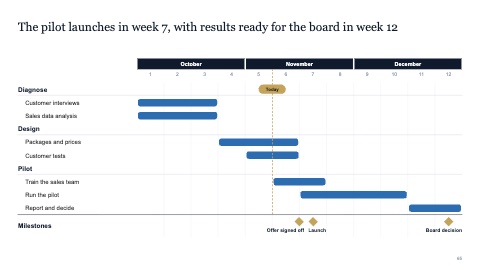
Timelines and Gantt charts
16 pages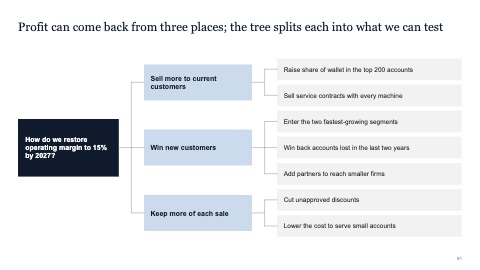
Issue trees
6 pages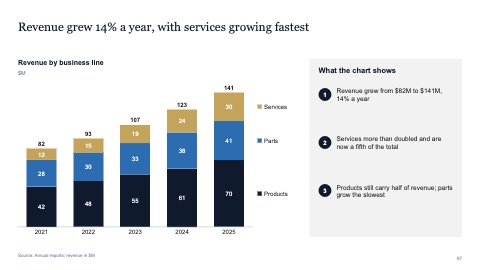
Chart pages
20 pages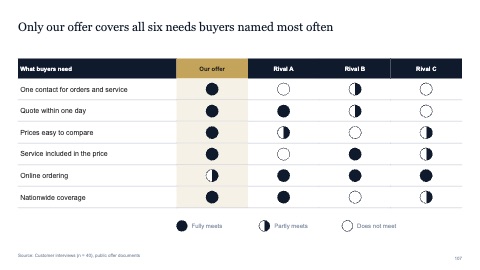
Tables
30 pages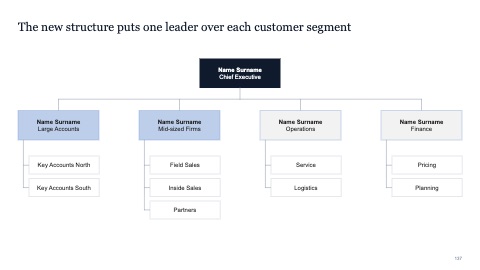
Stakeholders and governance
8 pages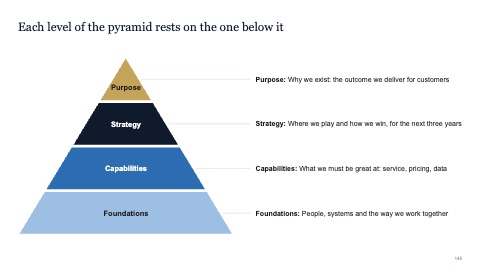
Strategy diagrams
7 pages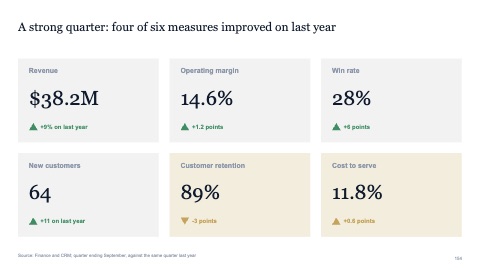
KPI dashboards
19 pages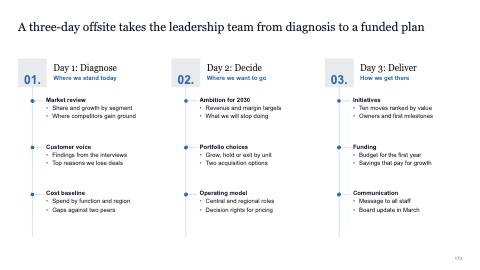
Agendas
23 pages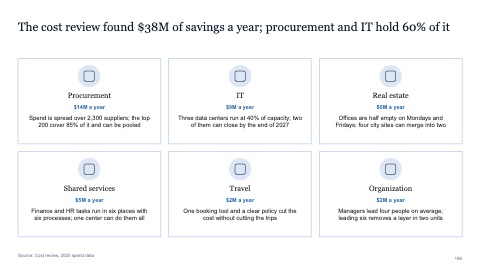
Key messages
15 pages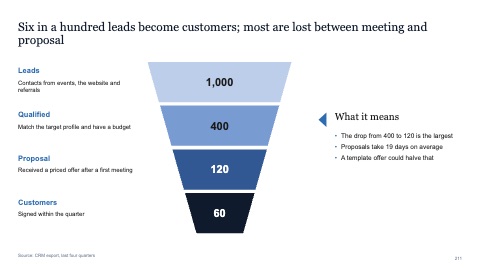
Funnels
16 pages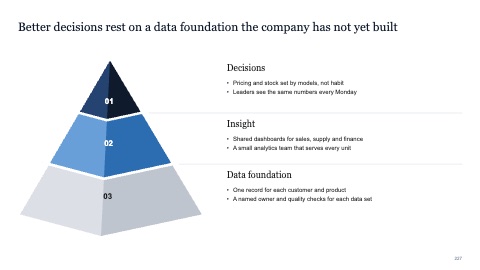
Pyramids
26 pages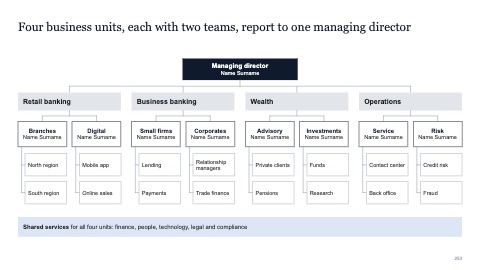
Org charts
24 pages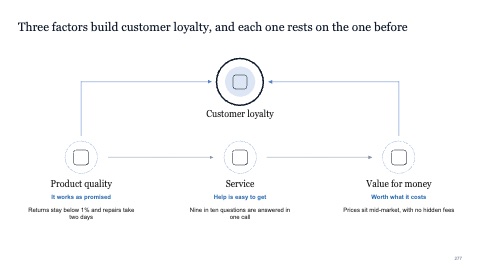
Cause and effect
18 pages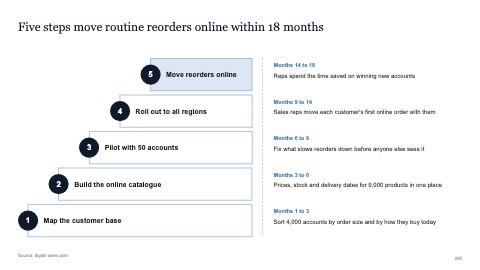
Steps and staircases
20 pages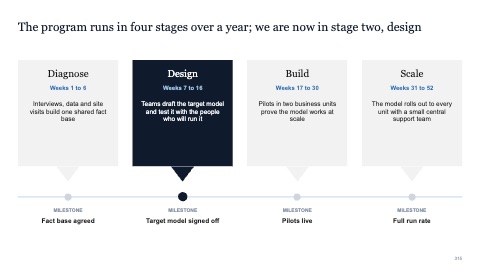
Process infographics
25 pages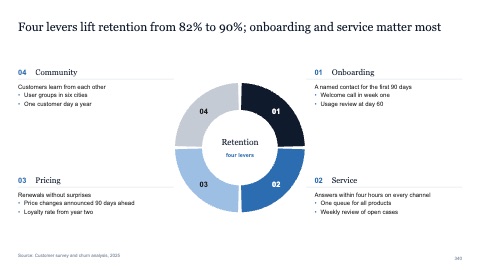
Cycles
32 pages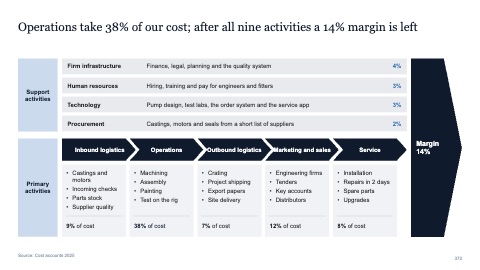
Value chains
18 pages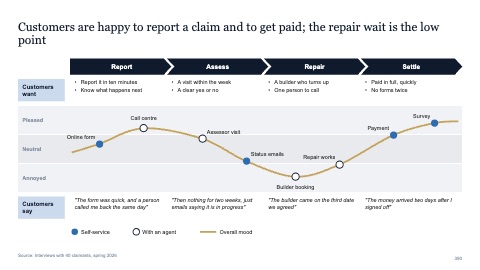
Customer journey maps
8 pages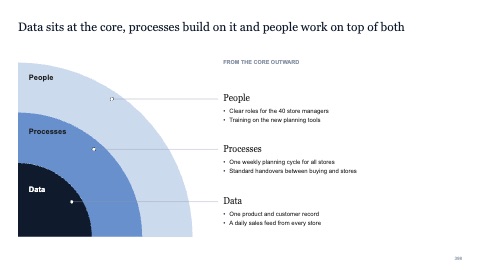
Venn and overlaps
18 pages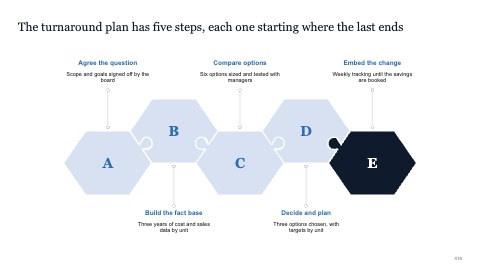
Puzzles and building blocks
18 pages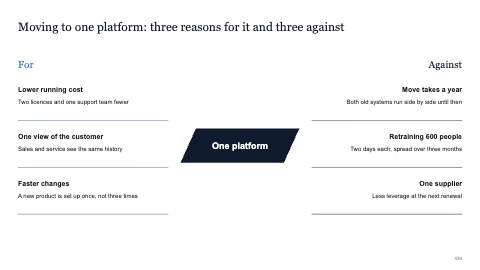
Pros and cons
10 pages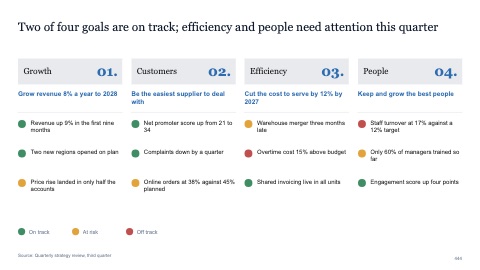
Goals and objectives
14 pages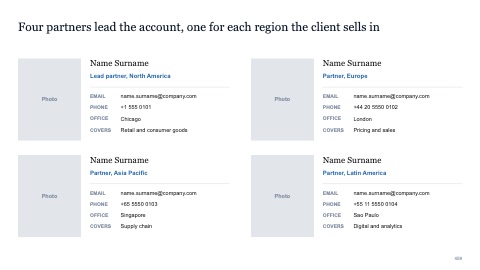
Team slides
20 pages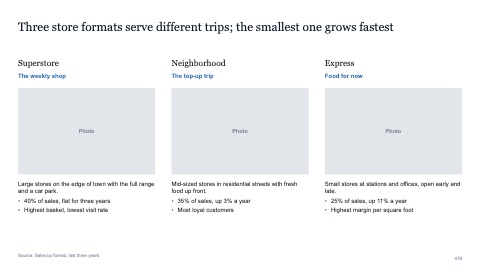
Text with pictures
12 pages
Quantities
14 pages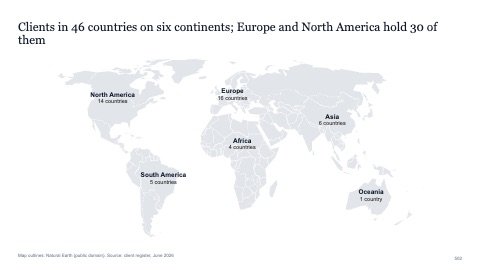
Maps
30 pages
Numbers and names on the templates are samples. Replace them with your own.
Questions
How do I add a template to my deck?
Open Templates from the SlideShortcuts tab on Windows (Insert > Templates) or from the SlideShortcuts panel on a Mac. Search or pick a section, then click Insert. The page is added after the slide you're on.
Will it match my company's template?
Yes. Each page uses your deck's theme colors and fonts, so it looks like the rest of your deck from the start. There's nothing to recolor by hand.
Does it work on a Mac and on Windows?
Yes. On Windows, Templates is on the SlideShortcuts tab. On a Mac, it's in the SlideShortcuts panel, a free add-in from Microsoft AppSource that works alongside the Mac app. The marks on each page show where it's available today.
Are the templates free?
They come with every SlideShortcuts plan and with the free trial, along with the keyboard shortcuts, charts and the rest of the tab.
Can I edit the pages?
Yes. They're ordinary PowerPoint shapes, text and tables. Change the words, move a box, delete what you don't need.
How is this different from downloading a template file?
There's no file to open, no slide to copy across and no colors to fix. You insert the page straight into the deck you're working on, and it's already in that deck's style.
Try every page in your own deck
Every SlideShortcuts plan includes the templates, the keyboard shortcuts and the charts.
Start free trial7 days free, then $9.99 a month plus any tax. Card required. We email you 3 days before the trial ends. Cancel before day 7 and pay nothing.