Home › Templates › Key messages
Management summary and key message templates for PowerPoint
Pages that lead with the message: a management summary in six boxes or five rows, four summary boxes with the ask, key figures in three columns, one headline figure with six more, and key figures by unit. Use them at the start of a deck or a section, where the reader decides whether to read on. Each one arrives in your deck's own colors and fonts.
- Mac: all 15, in the Templates tab of the SlideShortcuts panel.
- Windows: all 15, under Insert > Templates on the SlideShortcuts tab.
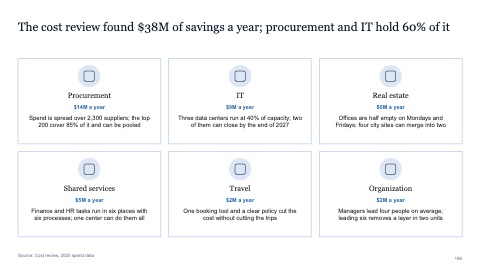
Management summary in six boxes
MacWindows
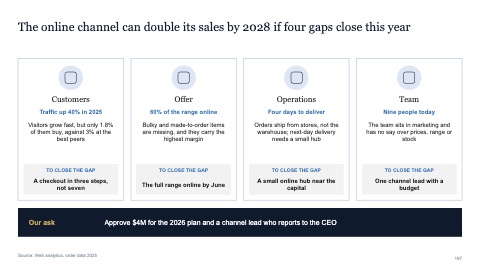
Four summary boxes with the ask
MacWindows
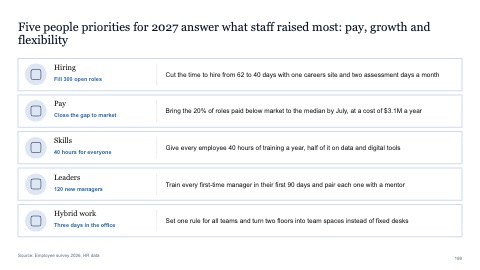
Management summary in five rows
MacWindows
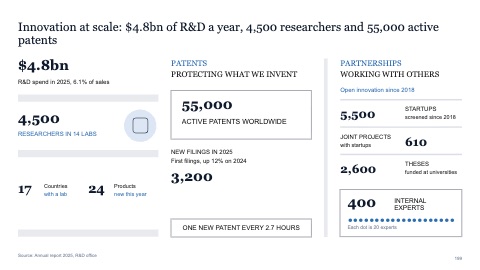
Key figures in three columns
MacWindows
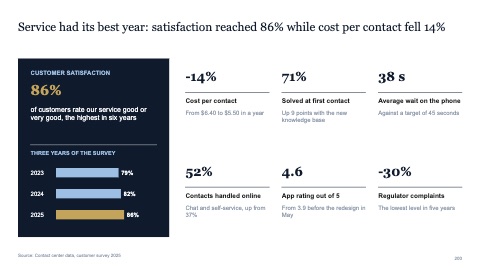
One headline figure with six more
MacWindows
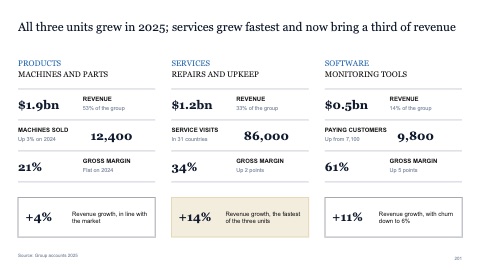
Key figures by unit in three columns
MacWindows
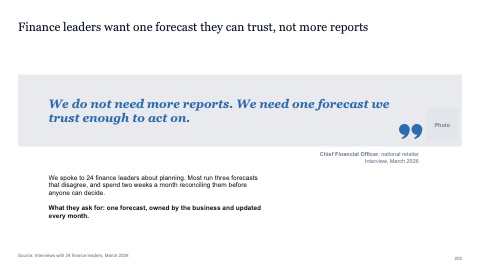
Quote in a band across the page
MacWindows
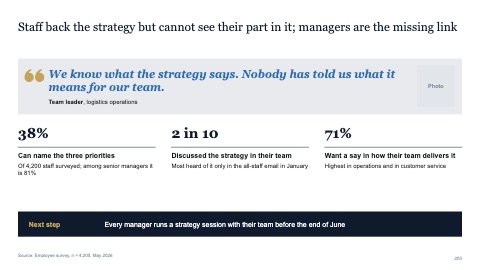
Quote with three facts that back it up
MacWindows
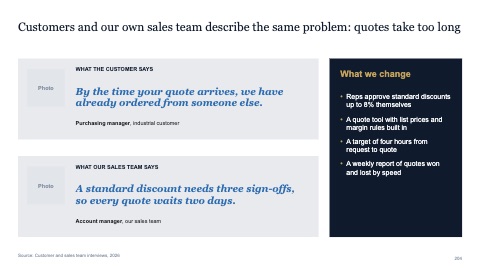
Two quotes from both sides with a so-what
MacWindows
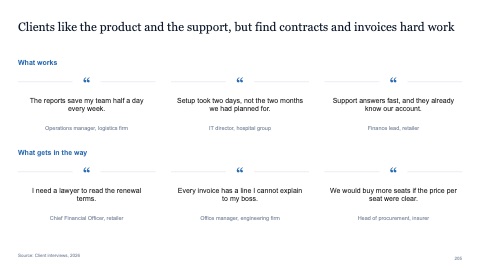
Six quotes under split rules
MacWindows
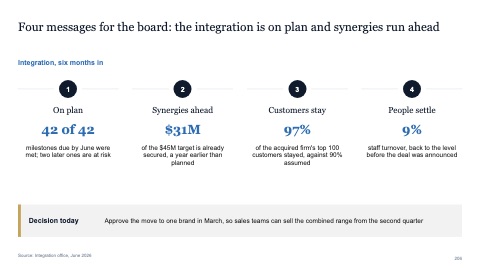
Four numbered key messages
MacWindows
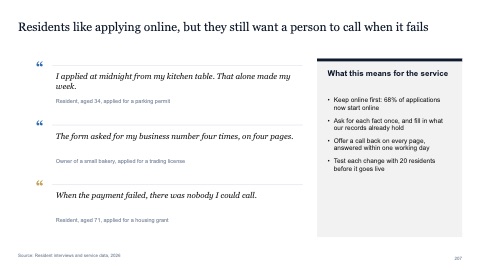
Three quotes in a column with a so-what
MacWindows
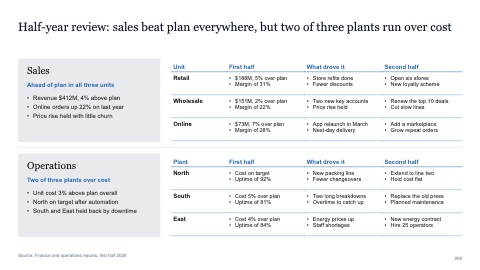
Sectioned summary in two parts
MacWindows
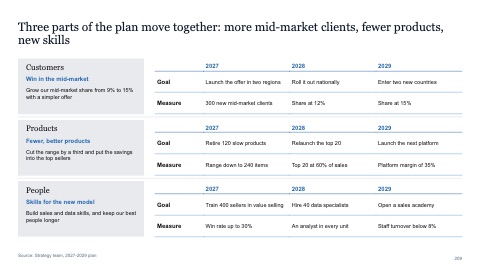
Sectioned summary in three parts
MacWindows
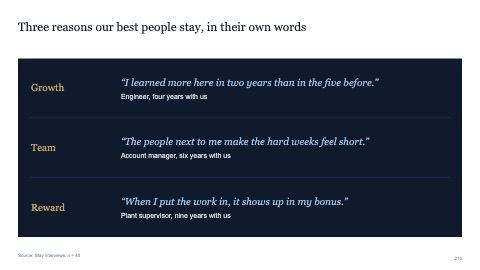
Three reasons with a quote each on a dark panel
MacWindows
Numbers and names on the templates are samples. Replace them with your own.
Questions
Management summary or executive summary?
Mostly two names for the same page: the conclusions first, then the support. A management summary often runs a little longer and is split into boxes by topic.
How do I make a big number stand out on a slide?
Make it the largest thing on the page, put one short line under it that says what it means, and keep everything else small and quiet.
Try every page in your own deck
Every SlideShortcuts plan includes the templates, the keyboard shortcuts and the charts.
Start free trial7 days free, then $9.99 a month plus any tax. Card required. We email you 3 days before the trial ends. Cancel before day 7 and pay nothing.