Agenda slide templates for PowerPoint
Agendas for every kind of meeting: three or four numbered columns, two columns with outcomes, six chapters in a grid, topics with time, lead and ask, and an agenda tracker with owners, times and status. Use the tracker version to show where you are as the meeting moves on. Each one arrives in your deck's own colors and fonts.
- Mac: all 23, in the Templates tab of the SlideShortcuts panel.
- Windows: all 23, under Insert > Templates on the SlideShortcuts tab.
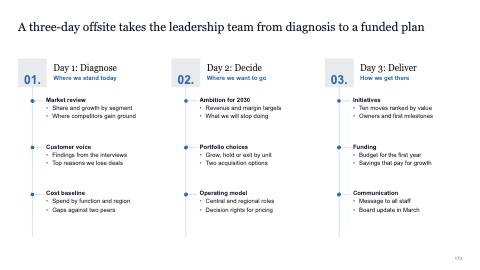
Agenda in three numbered columns
MacWindows
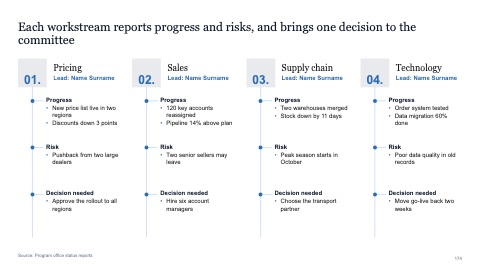
Agenda in four numbered columns
MacWindows
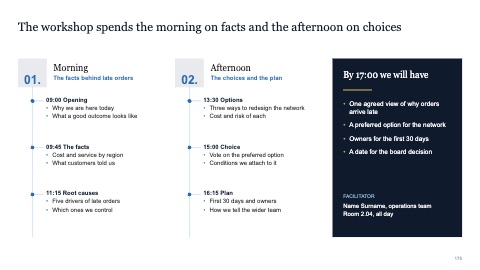
Agenda in two columns with outcomes
MacWindows
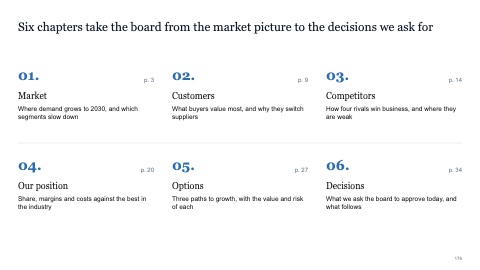
Six numbered chapters in a grid
MacWindows
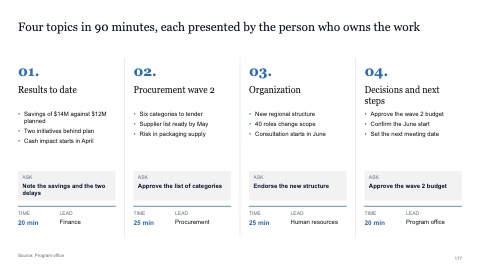
Four numbered topics with time, lead and ask
MacWindows
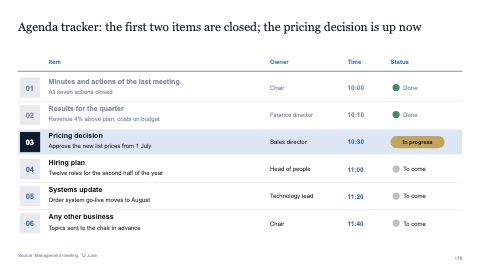
Agenda tracker with owners, times and status
MacWindows
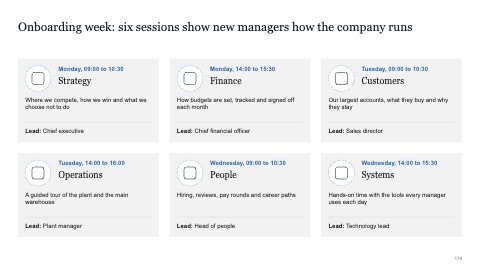
Six session cards with icons, times and leads
MacWindows
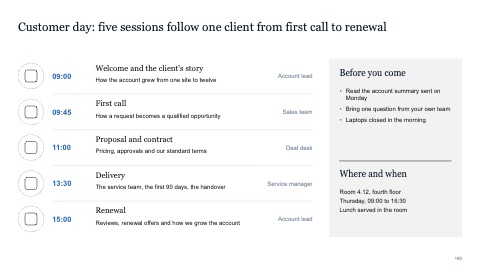
Agenda list with icons, hosts and a preparation panel
MacWindows
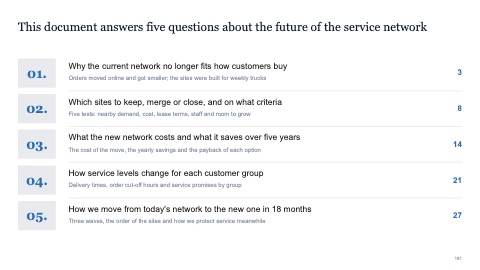
Table of contents with five questions
MacWindows
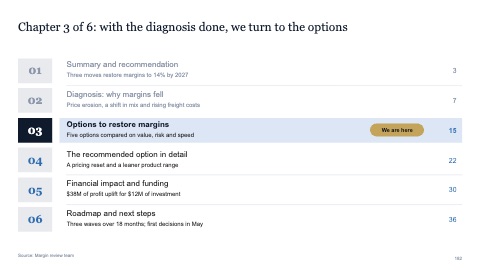
Table of contents with the current chapter marked
MacWindows
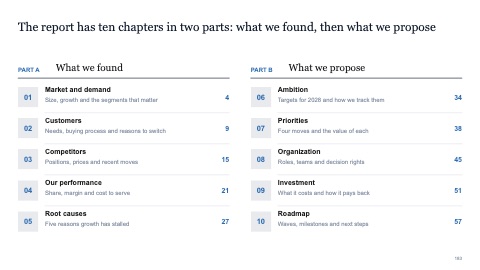
Table of contents in two parts
MacWindows
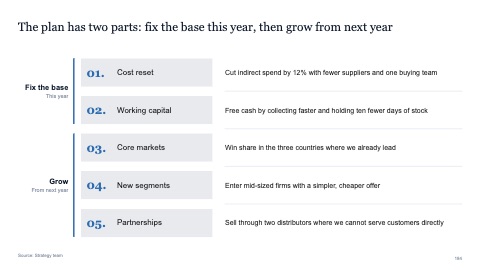
Table of contents in two clusters
MacWindows
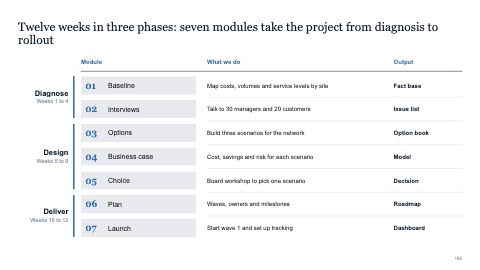
Contents in three phases with outputs
MacWindows
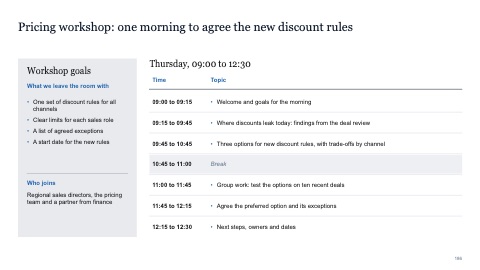
Schedule with a goals panel
MacWindows
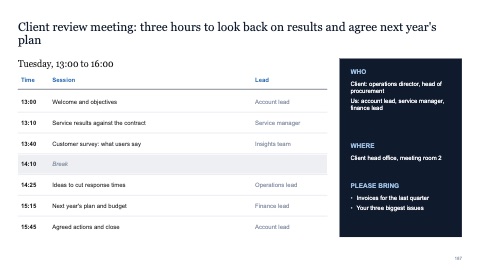
Schedule with leads and a logistics panel
MacWindows
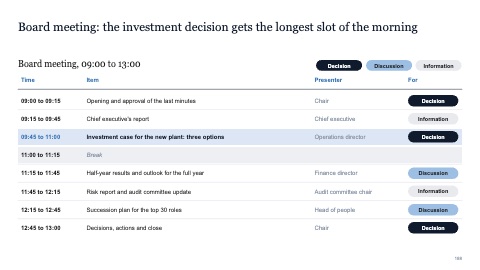
Board agenda with presenters and purpose
MacWindows
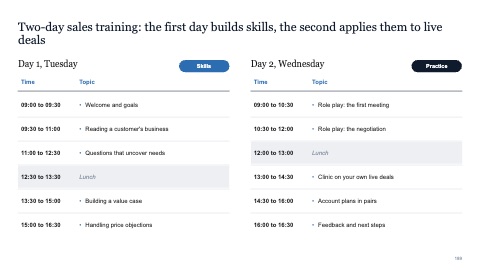
Schedule for two days side by side
MacWindows
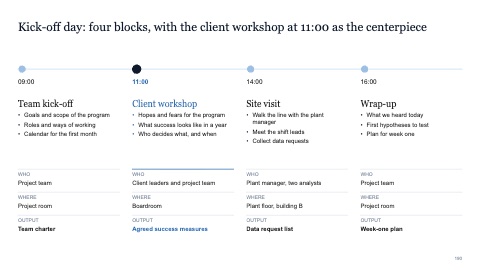
Day timeline with four blocks
MacWindows
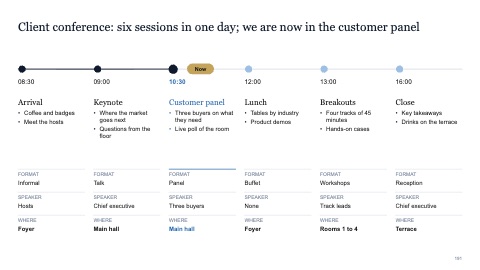
Event timeline with six sessions and progress
MacWindows
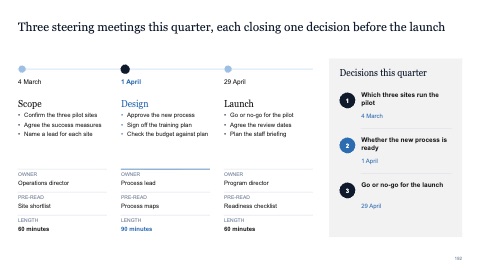
Timeline of three meetings with a decisions panel
MacWindows
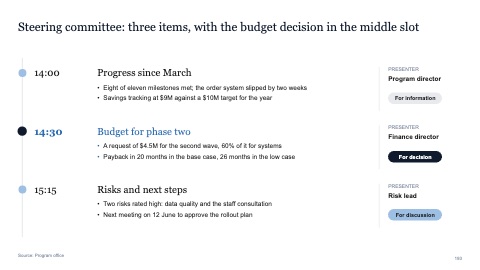
Vertical timeline with three items, presenters and asks
MacWindows
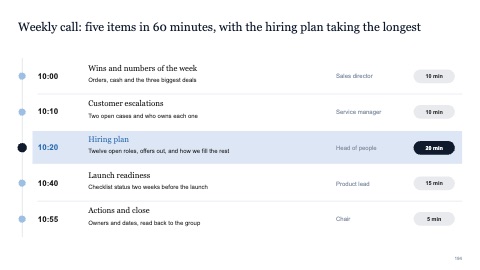
Vertical timeline with five items, owners and durations
MacWindows
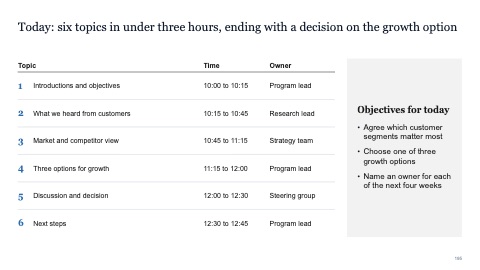
Agenda with times, owners and objectives
MacWindows
Numbers and names on the templates are samples. Replace them with your own.
Questions
What makes a good agenda slide?
Few items, each phrased as what the meeting will decide or learn, with a time and an owner. Repeat it between sections with the current item highlighted.
How many items should an agenda have?
Three to six. If there are more, group them into chapters.
Try every page in your own deck
Every SlideShortcuts plan includes the templates, the keyboard shortcuts and the charts.
Start free trial7 days free, then $9.99 a month plus any tax. Card required. We email you 3 days before the trial ends. Cancel before day 7 and pay nothing.