Home › Templates › 2x2 matrices
2x2 matrix and assessment templates for PowerPoint
The 2x2 is the page almost every consulting deck has at least once. Here are 19 ways to compare options against two criteria: the classic 2x2, plotted items, a 3x3 portfolio grid, heat maps, scorecards and Harvey ball assessments. Pick one, insert it after the slide you're on, and it arrives in your deck's own colors and fonts, ready for your labels.
- Mac: all 19, in the Templates tab of the SlideShortcuts panel.
- Windows: all 19, under Insert > Templates on the SlideShortcuts tab.
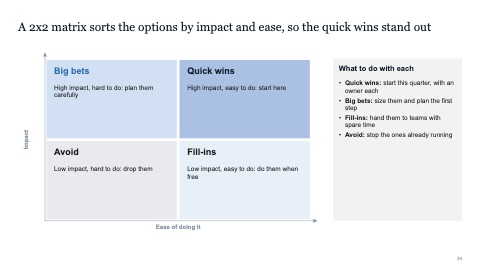
2x2 matrix
MacWindows
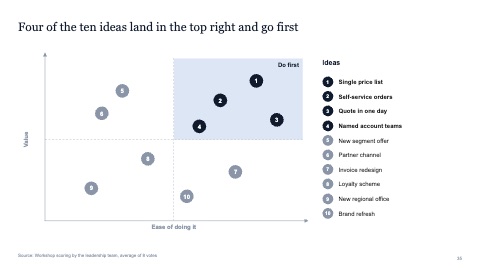
2x2 with plotted items
MacWindows
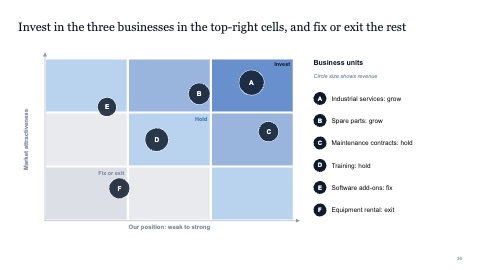
3x3 portfolio grid
MacWindows
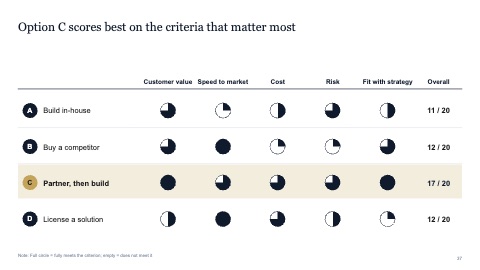
Assessment with Harvey balls
MacWindows
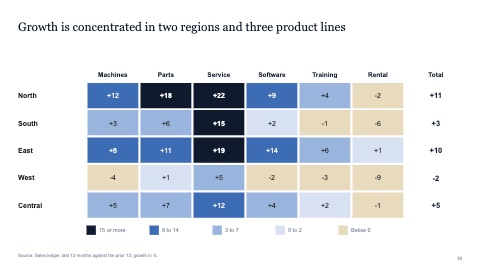
Heat map
MacWindows
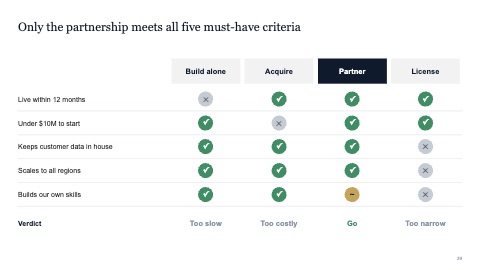
Options scorecard
MacWindows
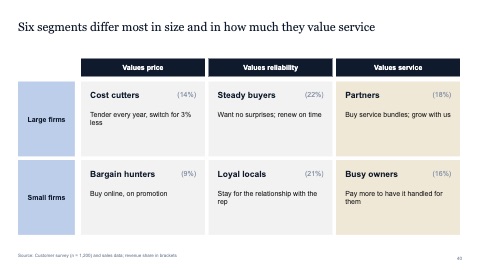
Segmentation grid
MacWindows
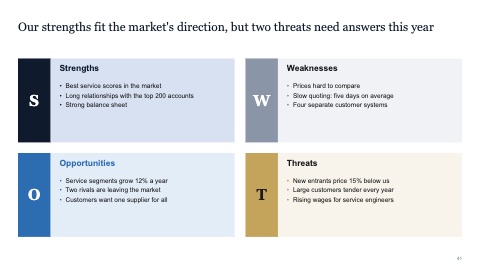
SWOT
MacWindows
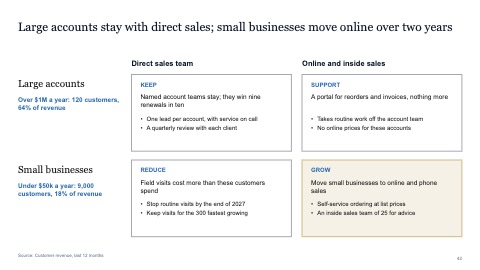
2x2 grid with row labels
MacWindows
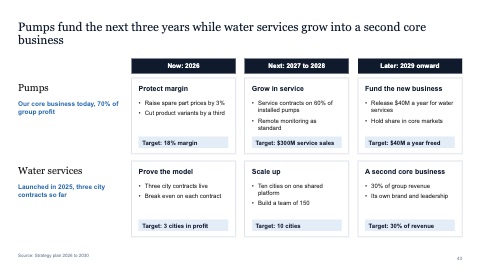
2x3 grid with row labels and column headers
MacWindows
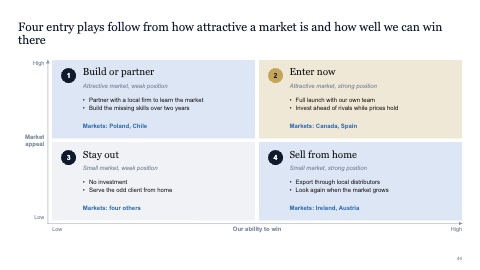
2x2 with a play described in each quadrant
MacWindows
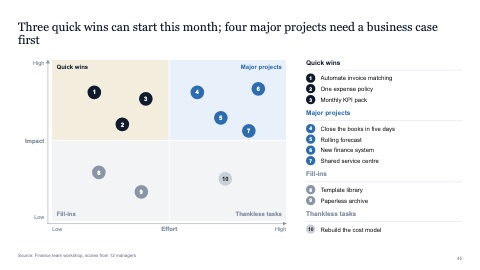
Impact and effort matrix with numbered items
MacWindows
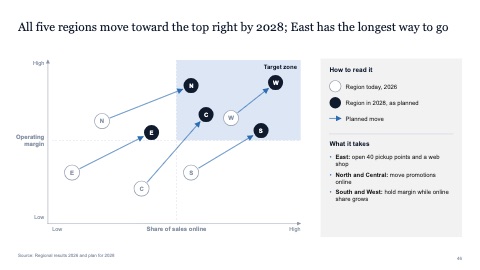
2x2 with moves from today to target
MacWindows
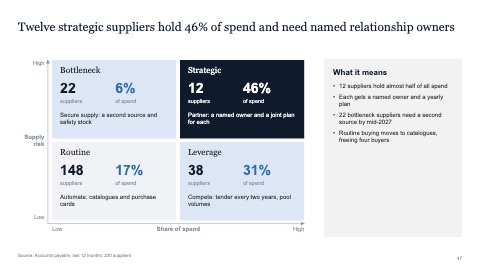
2x2 with counts and a takeaway
MacWindows
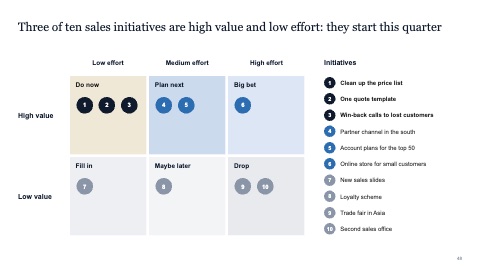
2x3 prioritization grid with numbered items
MacWindows
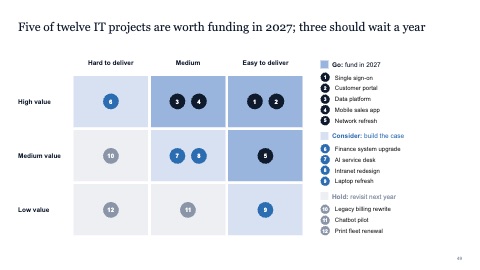
3x3 prioritization grid with numbered items
MacWindows
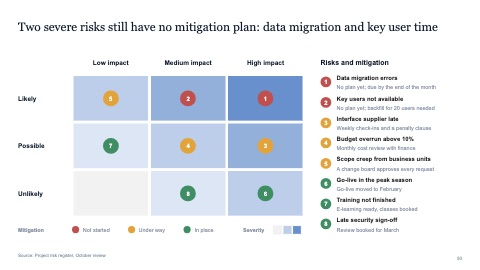
3x3 risk matrix with a legend
MacWindows
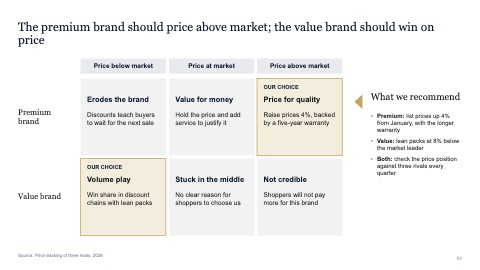
2x3 grid with a recommendation
MacWindows
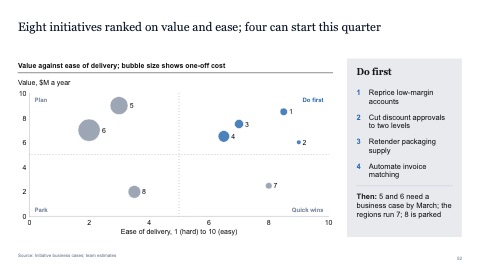
Bubble matrix of value and ease with a do-first list
MacWindows
Numbers and names on the templates are samples. Replace them with your own.
Questions
How do I make a 2x2 matrix in PowerPoint?
Draw two axes, split the area into four boxes, and name each axis with what it measures. Place items by their scores and name each quadrant by what it means. Or insert a 2x2 from this section and move the items into place.
How do Harvey balls work?
A Harvey ball is a circle filled by quarters: empty, a quarter, half, three quarters or full. In a table they show how well each option meets each criterion at a glance.
How do I make a SWOT slide in PowerPoint?
Draw a 2x2 grid, label the quadrants Strengths, Weaknesses, Opportunities and Threats, and keep each to three or four short points. Or insert the SWOT page from this section and type straight into it.
Try every page in your own deck
Every SlideShortcuts plan includes the templates, the keyboard shortcuts and the charts.
Start free trial7 days free, then $9.99 a month plus any tax. Card required. We email you 3 days before the trial ends. Cancel before day 7 and pay nothing.