Org chart templates for PowerPoint
Organization charts for real reorganizations: clustered units, shaded clusters, spans and layers, the chart today next to the chart after the change, and team charts with photos or open roles. Boxes and lines are ordinary shapes, so moving a team is drag and drop. Each one arrives in your deck's own colors and fonts.
- Mac: all 24, in the Templates tab of the SlideShortcuts panel.
- Windows: all 24, under Insert > Templates on the SlideShortcuts tab.
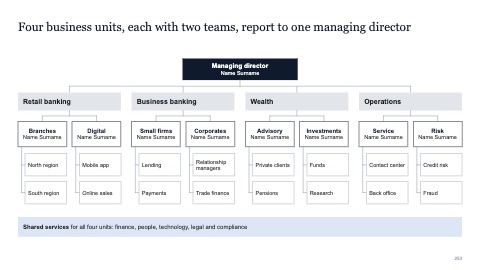
Clustered org chart, four units
MacWindows
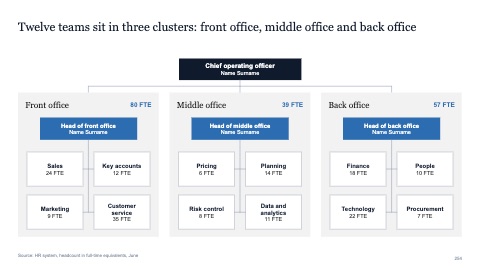
Org chart in shaded clusters
MacWindows
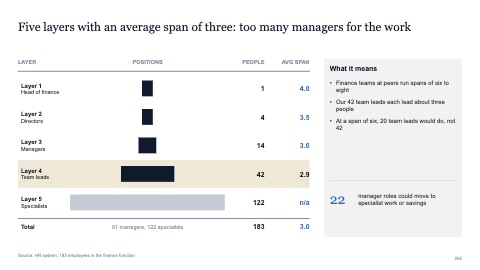
Spans and layers
MacWindows
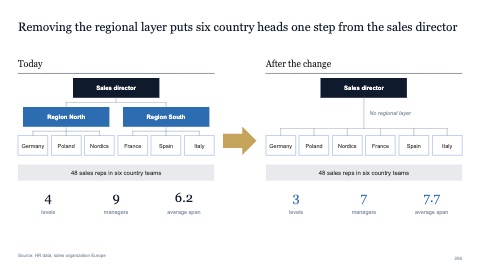
Org chart today and after the change
MacWindows
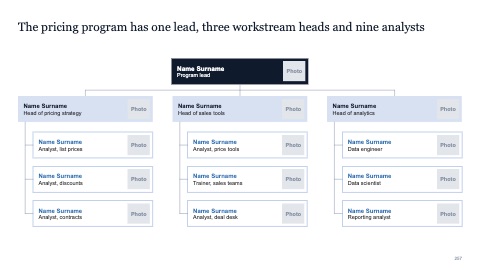
Team org chart with photos
MacWindows
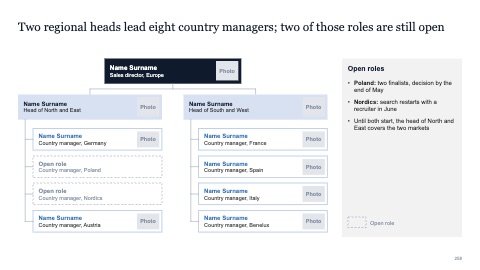
Team org chart with open roles
MacWindows
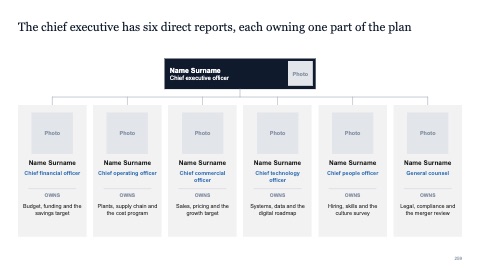
Leadership team with six direct reports
MacWindows
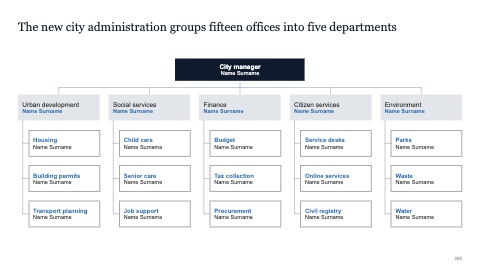
Clustered org chart, five departments
MacWindows
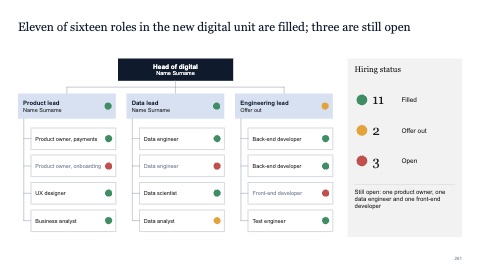
Org chart with hiring status
MacWindows
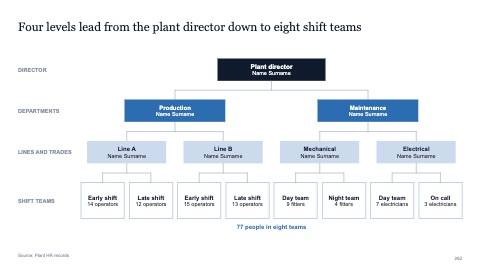
Org chart with four levels
MacWindows
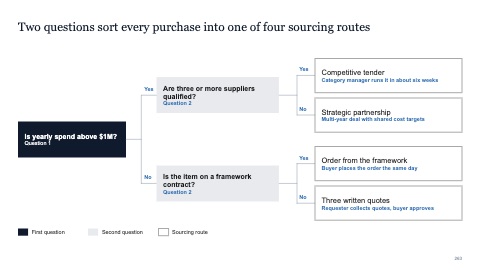
Decision tree with yes and no branches
MacWindows
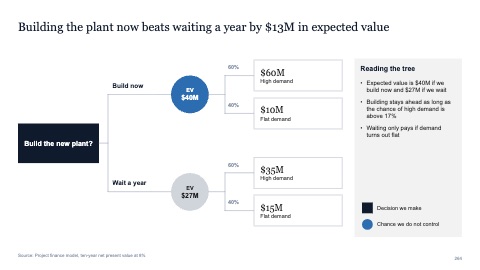
Decision tree with probabilities and values
MacWindows
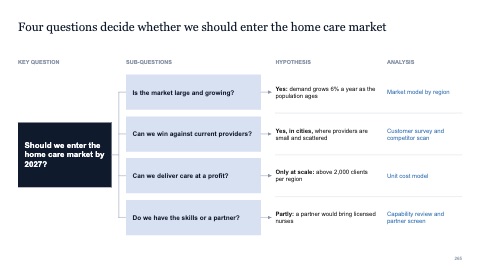
Issue tree with hypotheses
MacWindows
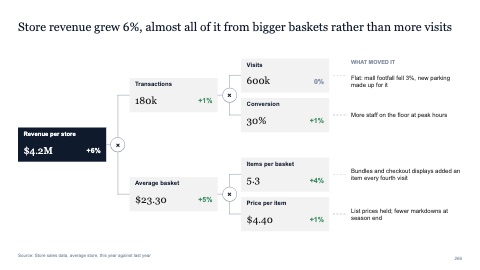
Driver tree with numbers
MacWindows
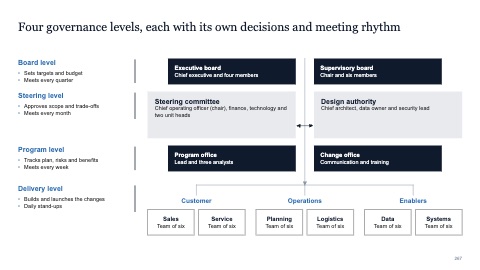
Governance levels with descriptions
MacWindows
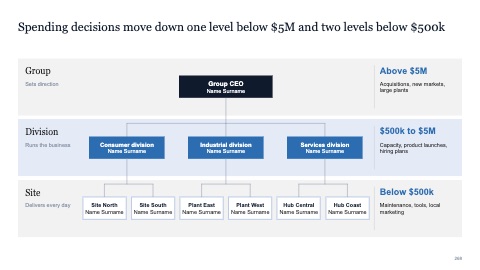
Org chart in level bands
MacWindows
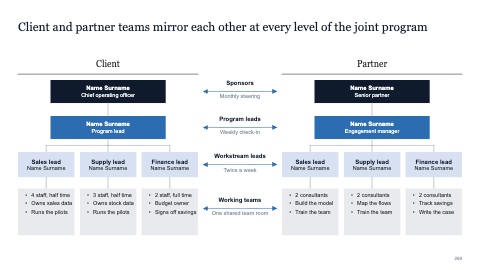
Mirrored client and partner teams
MacWindows
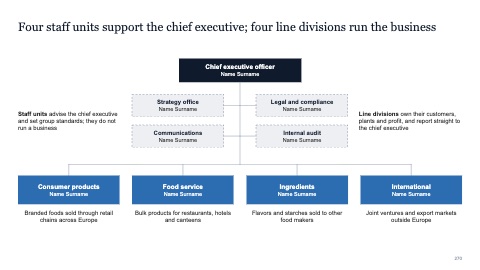
Org chart with staff and line units
MacWindows
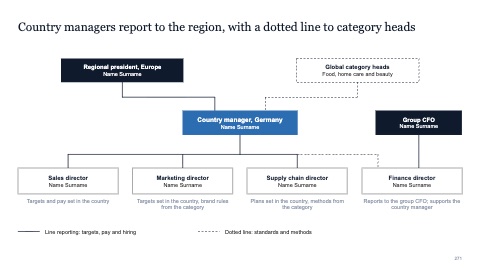
Matrix org with solid and dotted lines
MacWindows
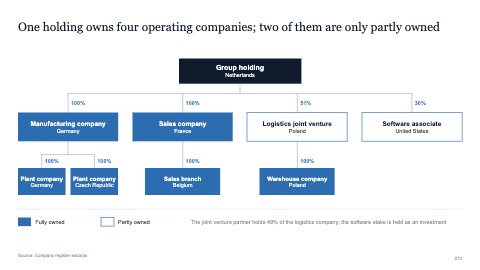
Legal entity structure with ownership
MacWindows
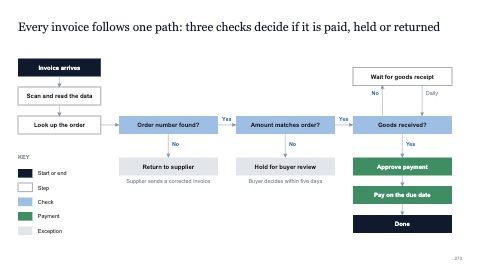
Decision flowchart with yes and no
MacWindows
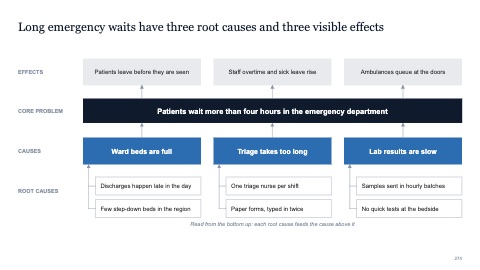
Problem tree with causes and effects
MacWindows
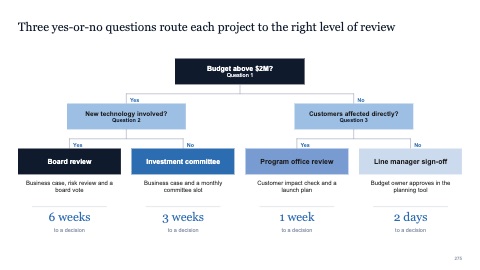
Top-down decision tree
MacWindows
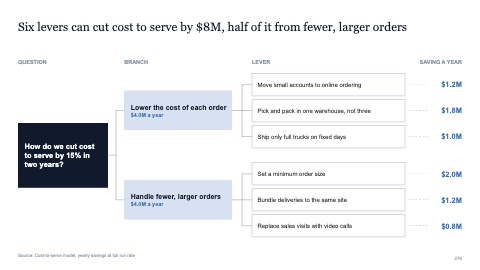
Issue tree with three levels and values
MacWindows
Numbers and names on the templates are samples. Replace them with your own.
Questions
How do I make an org chart in PowerPoint?
Put the leader at the top, the direct reports in one row below, and connect them with elbow lines. Keep the boxes the same size and align each row. Or insert one of these and type in the names.
What are spans and layers?
Span is how many people report to each manager; layers are how many levels sit between the top and the front line. Organization reviews look at both to find where to simplify.
Try every page in your own deck
Every SlideShortcuts plan includes the templates, the keyboard shortcuts and the charts.
Start free trial7 days free, then $9.99 a month plus any tax. Card required. We email you 3 days before the trial ends. Cancel before day 7 and pay nothing.