Pyramid diagram templates for PowerPoint
Pyramids for anything built in layers: maturity levels, needs, priorities or an operating model. There are 3D and flat versions with three to five layers, text on one or both sides, scope arrows, and a version that marks the level you're at today. Each one arrives in your deck's own colors and fonts.
- Mac: all 26, in the Templates tab of the SlideShortcuts panel.
- Windows: all 26, under Insert > Templates on the SlideShortcuts tab.
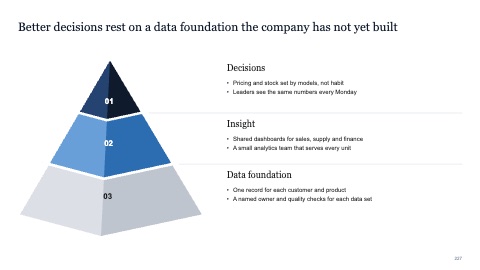
3D pyramid with three layers
MacWindows
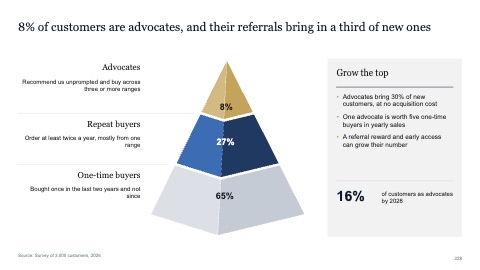
3D pyramid with text on the left and a takeaway
MacWindows
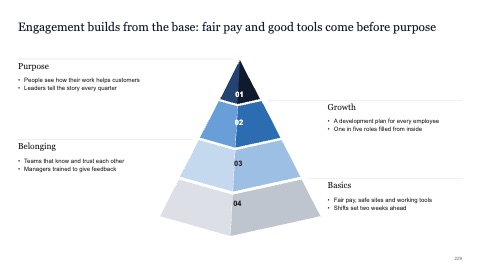
3D pyramid with four layers, text on both sides
MacWindows
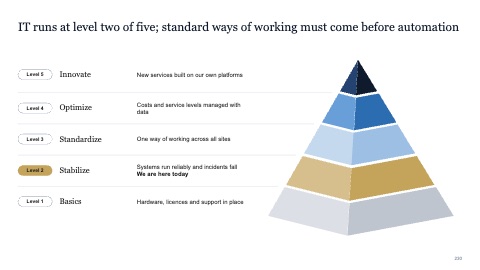
3D pyramid with five levels and the current one marked
MacWindows
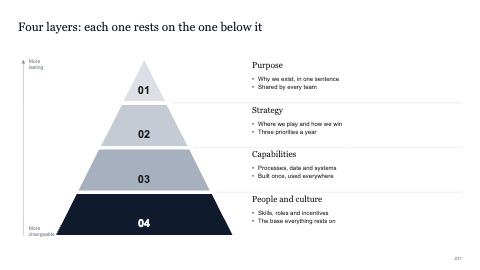
Pyramid with four layers
MacWindows
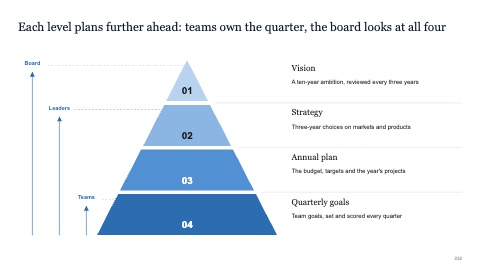
Pyramid with four layers and scope arrows
MacWindows
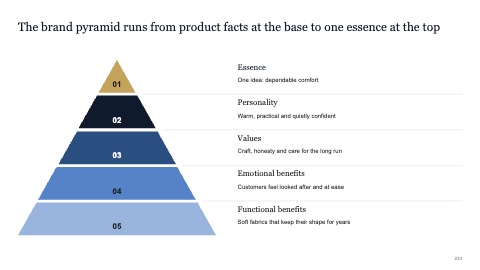
Pyramid with five layers
MacWindows
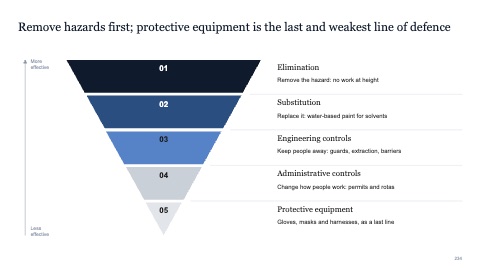
Inverted pyramid with five layers
MacWindows
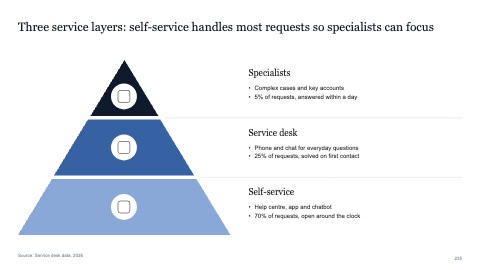
Pyramid with three layers and icons
MacWindows
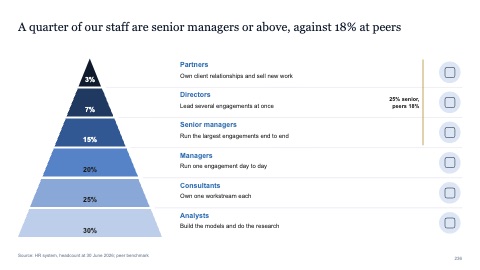
Pyramid with six layers, shares and icons
MacWindows
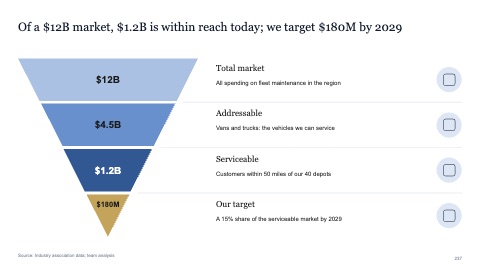
Inverted pyramid with four values and icons
MacWindows
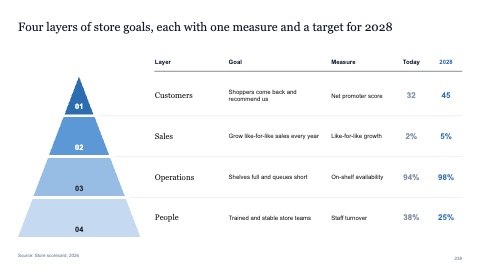
Pyramid with four layers as a table
MacWindows
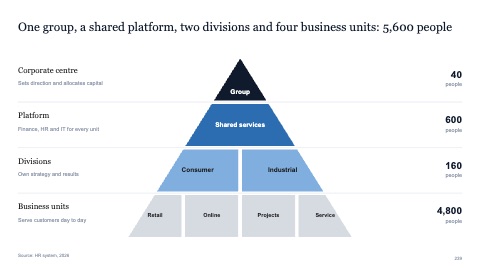
Pyramid with nested layers
MacWindows
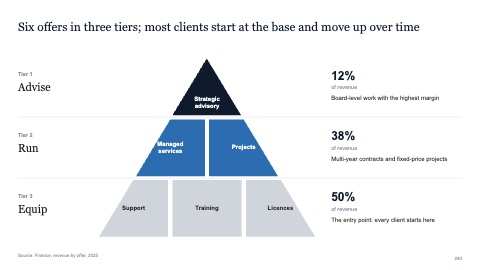
Pyramid with one, two and three blocks
MacWindows
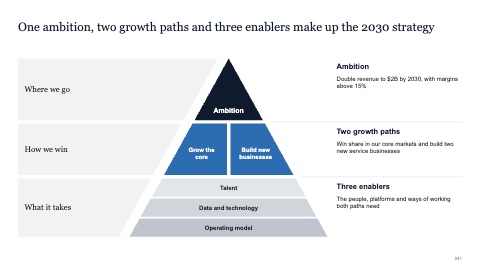
Pyramid with sections, side panels and bands
MacWindows
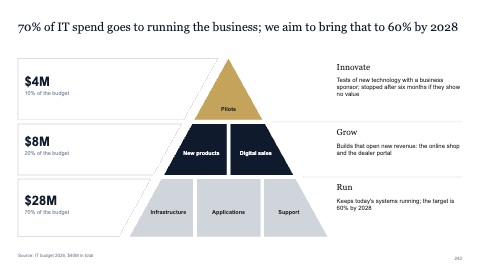
Pyramid with sections, figures in side panels
MacWindows
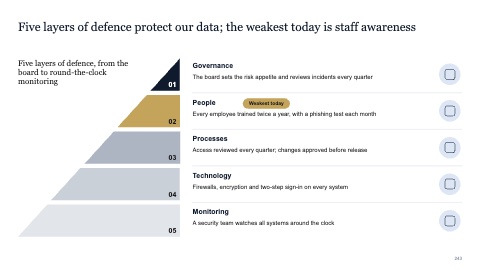
Half pyramid with five layers and icons
MacWindows
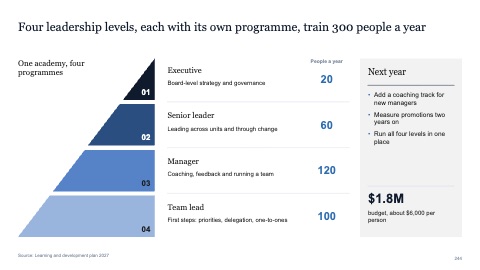
Half pyramid with four layers, figures and a takeaway
MacWindows
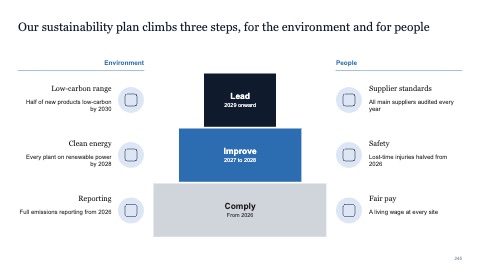
Ziggurat with three steps and six items
MacWindows
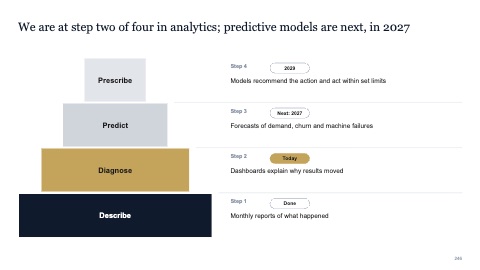
Ziggurat with four steps and the current one marked
MacWindows
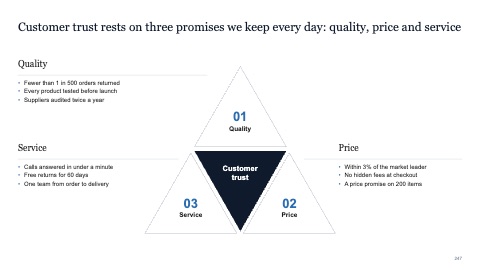
Triangle of three promises around a core
MacWindows
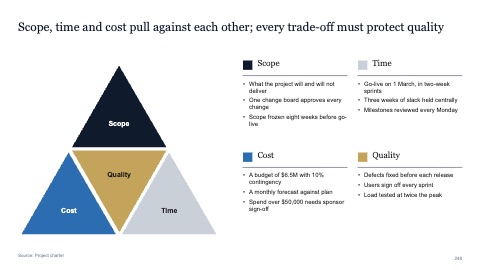
Triangle of four parts with a key
MacWindows
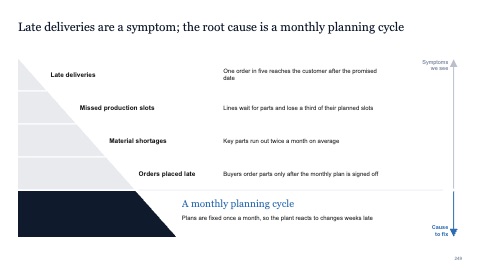
Five layers down to a root cause
MacWindows
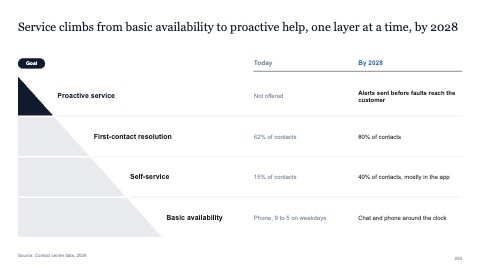
Four layers with today and a target
MacWindows
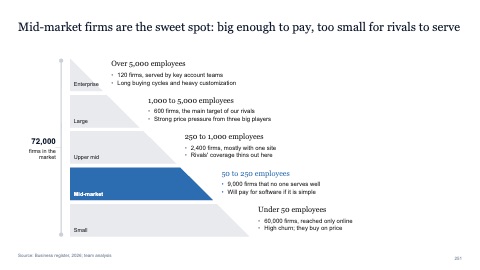
Five stepped layers with one highlighted
MacWindows
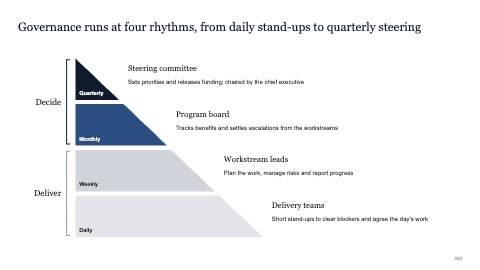
Four stepped layers in two groups
MacWindows
Numbers and names on the templates are samples. Replace them with your own.
Questions
When should I use a pyramid diagram?
When each layer rests on the one below it, or when there's less of something as you go up: from foundations to ambition, or from many activities to a few outcomes.
3D or flat?
Flat reads better in a dense deck and prints cleanly. Use 3D sparingly, for a title page or a single big idea.
Try every page in your own deck
Every SlideShortcuts plan includes the templates, the keyboard shortcuts and the charts.
Start free trial7 days free, then $9.99 a month plus any tax. Card required. We email you 3 days before the trial ends. Cancel before day 7 and pay nothing.