Home › Templates › Goals and objectives
OKR and goal slide templates for PowerPoint
Pages for goals and how they're tracked: four goals with status dots, a goal scorecard with Harvey balls, capabilities today against the target, objectives with key results, and a goal cascade from ambition to objectives. Use them to agree what success means before the work starts. Each one arrives in your deck's own colors and fonts.
- Mac: all 14, in the Templates tab of the SlideShortcuts panel.
- Windows: all 14, under Insert > Templates on the SlideShortcuts tab.
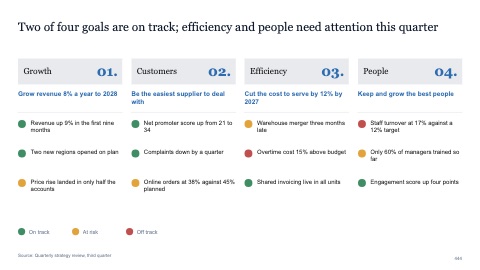
Four goals assessed with status dots
MacWindows
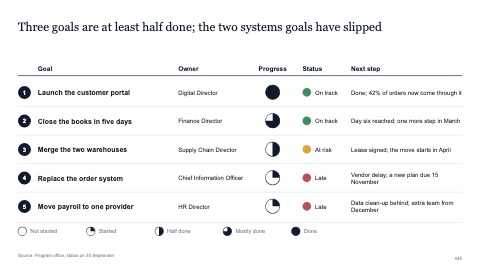
Goal scorecard with Harvey balls
MacWindows
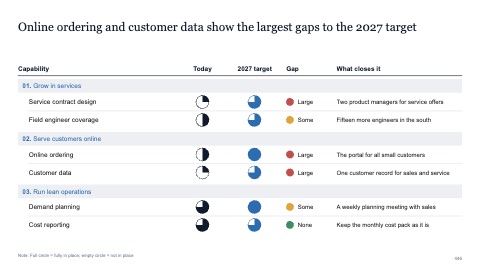
Capabilities today against the target
MacWindows
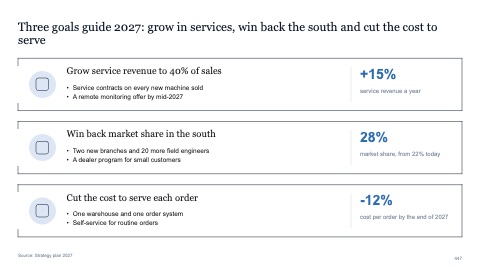
Three goals in open boxes
MacWindows
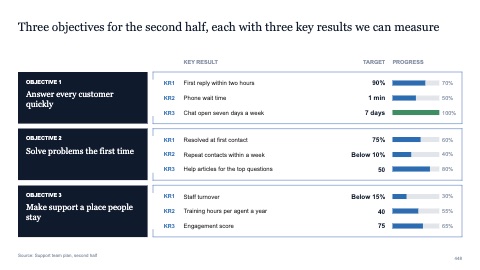
Objectives with key results
MacWindows
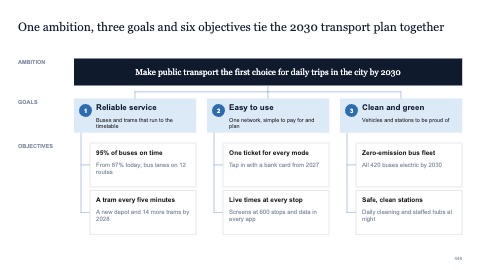
Goal cascade from ambition to objectives
MacWindows
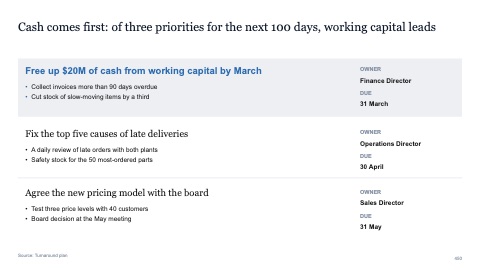
Three priorities with the first highlighted
MacWindows
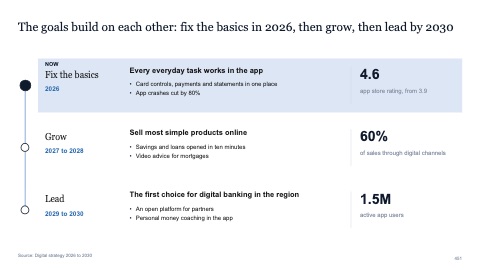
Goals over three horizons
MacWindows
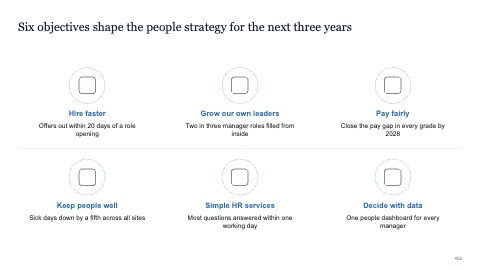
Six objectives with icons
MacWindows
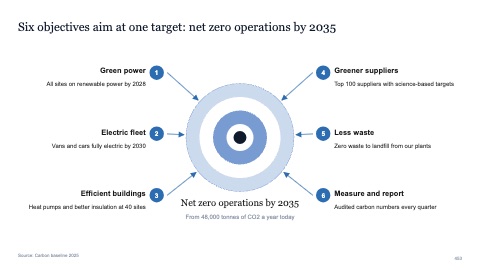
Six objectives aimed at one target
MacWindows
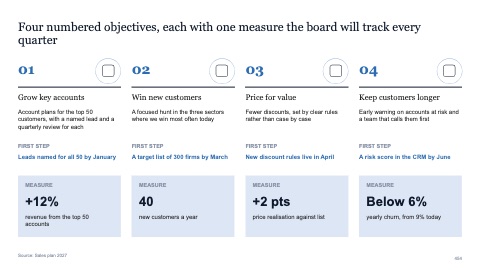
Four numbered objectives with a measure each
MacWindows
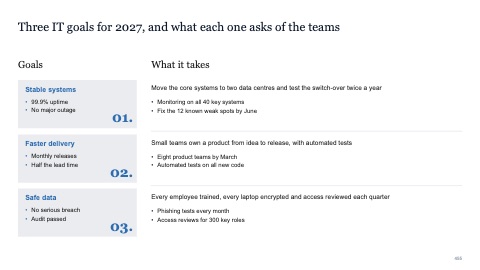
Three numbered goals with what each takes
MacWindows
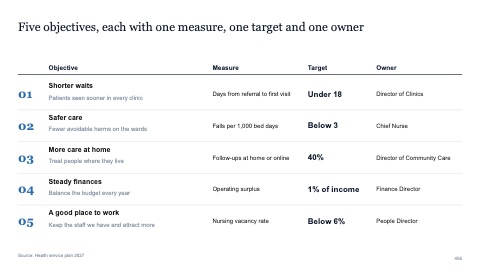
Five numbered objectives with measure, target and owner
MacWindows
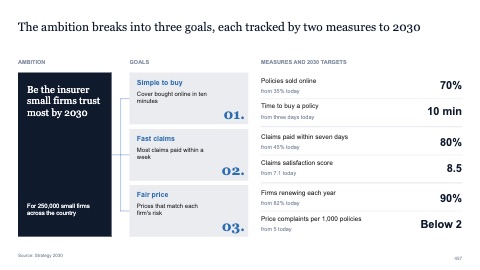
Ambition, numbered goals and measures
MacWindows
Numbers and names on the templates are samples. Replace them with your own.
Questions
What are OKRs?
Objectives and key results: a few qualitative objectives, each with two to four measurable results that show whether it was met.
What is a goal cascade?
A page that links the top ambition to the objectives under it, and those to the targets each team owns, so everyone can see how their work adds up.
Try every page in your own deck
Every SlideShortcuts plan includes the templates, the keyboard shortcuts and the charts.
Start free trial7 days free, then $9.99 a month plus any tax. Card required. We email you 3 days before the trial ends. Cancel before day 7 and pay nothing.