Home › Templates › Team slides
Team slide templates for PowerPoint
Meet-the-team pages for proposals and kickoffs: four or six team members with contact details or responsibilities, two or three members on a band, two leads and what they share, and a team page with a takeaway. Photos sit in ordinary picture placeholders, so swapping one is a click. Each one arrives in your deck's own colors and fonts.
- Mac: all 20, in the Templates tab of the SlideShortcuts panel.
- Windows: all 20, under Insert > Templates on the SlideShortcuts tab.
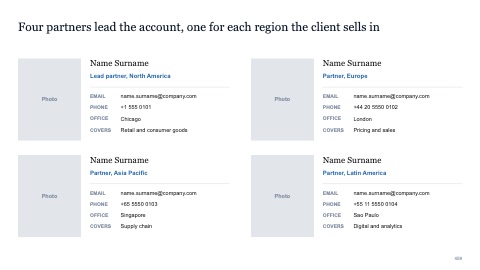
Four team members with contact details
MacWindows
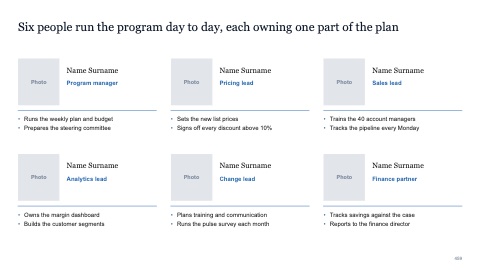
Six team members with responsibilities
MacWindows
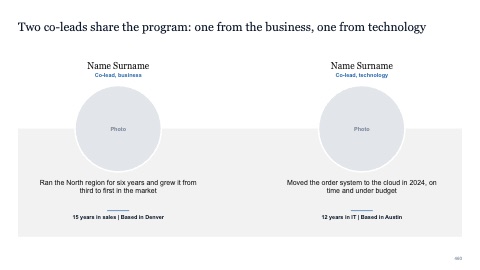
Two team members on a band
MacWindows
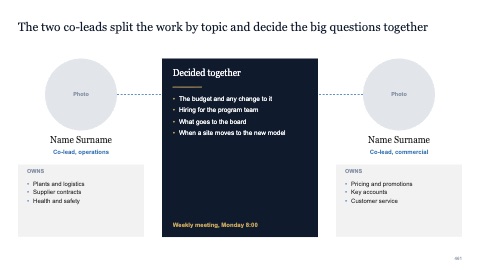
Two leads and what they share
MacWindows
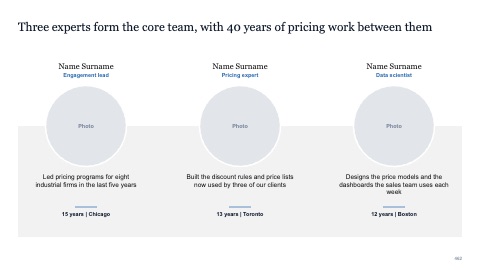
Three team members on a band
MacWindows
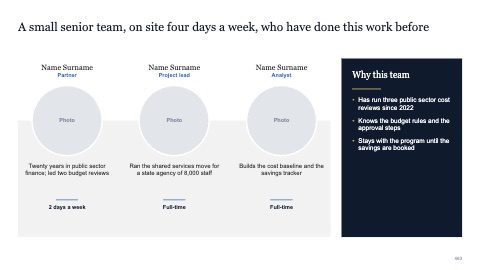
Three team members with a takeaway
MacWindows
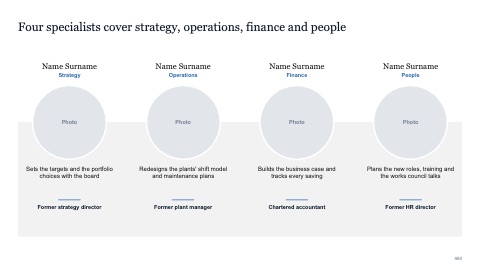
Four team members on a band
MacWindows
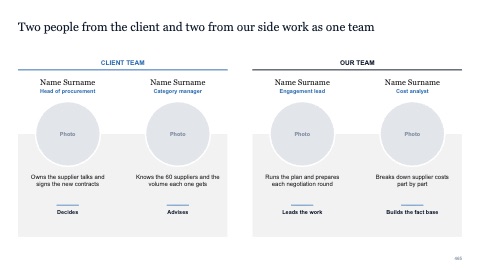
Joint team from two organizations
MacWindows
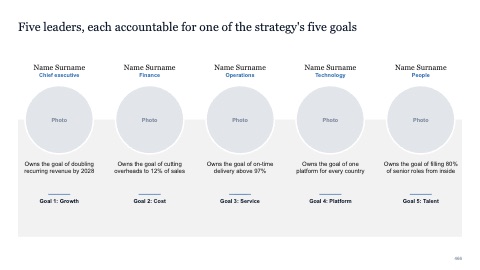
Five team members on a band
MacWindows
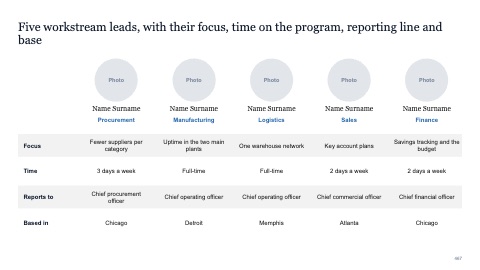
Five team members with key facts
MacWindows
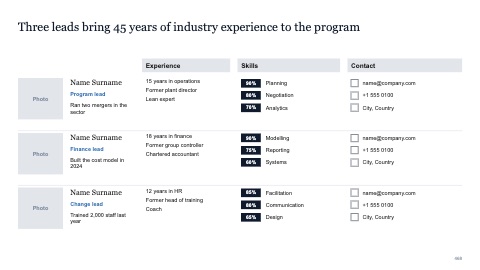
Team with three profiles
MacWindows
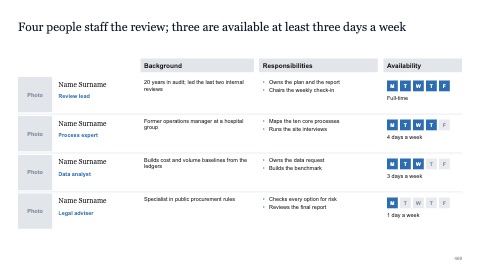
Team with four profiles and availability
MacWindows
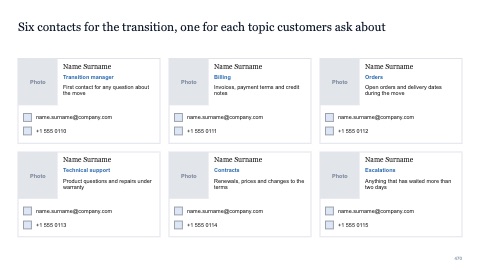
Six business cards
MacWindows
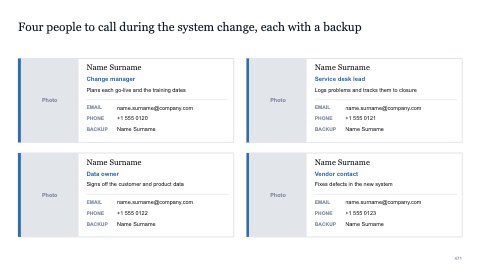
Four business cards
MacWindows
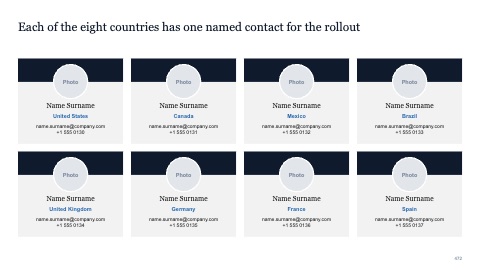
Eight contact cards
MacWindows
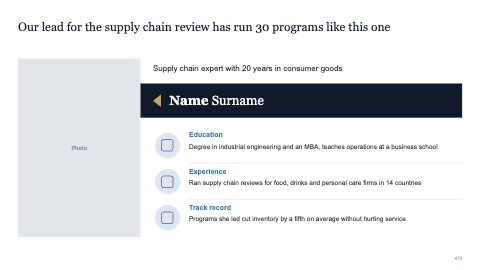
Short personal profile
MacWindows
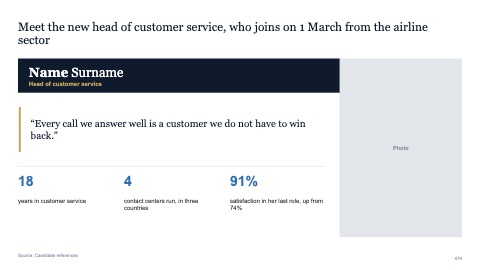
Short profile with a quote and key figures
MacWindows
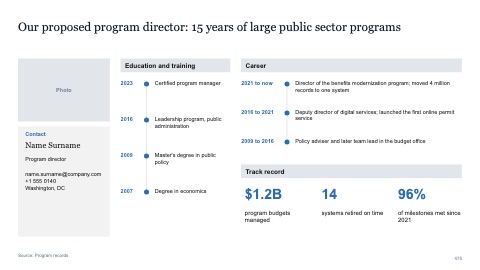
Detailed personal profile
MacWindows
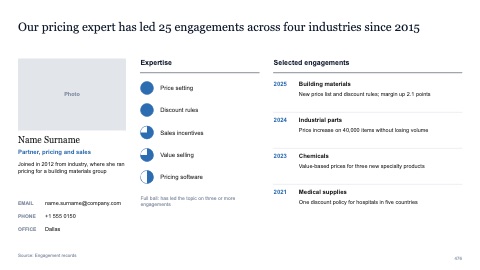
Profile with expertise and engagements
MacWindows
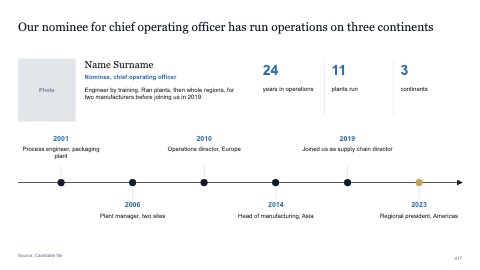
Profile with a career timeline
MacWindows
Numbers and names on the templates are samples. Replace them with your own.
Questions
What goes on a team slide in a proposal?
Each person's photo, name and role, and one line on why they're on this team, such as the relevant experience or the part of the work they'll lead.
How do I keep team photos consistent?
Crop every photo to the same shape and framing, and use the same size for each, so no one stands out by accident.
Try every page in your own deck
Every SlideShortcuts plan includes the templates, the keyboard shortcuts and the charts.
Start free trial7 days free, then $9.99 a month plus any tax. Card required. We email you 3 days before the trial ends. Cancel before day 7 and pay nothing.