Home › Templates › Text with pictures
Picture slide layouts for PowerPoint
Layouts for pages with pictures: text and a picture, a screenshot with callouts, three pictures with a takeaway or caption panels, four text boxes with pictures, four steps with pictures and a grid of four. Pictures sit in placeholders, so swapping one keeps the layout. Each one arrives in your deck's own colors and fonts.
- Mac: all 12, in the Templates tab of the SlideShortcuts panel.
- Windows: all 12, under Insert > Templates on the SlideShortcuts tab.
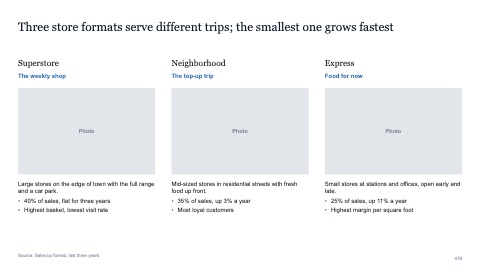
Three text boxes with pictures
MacWindows
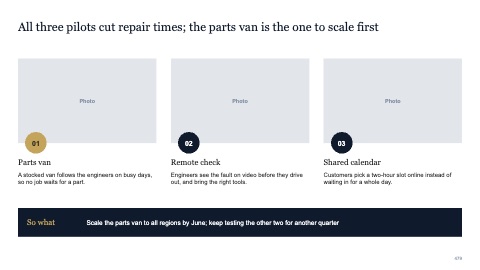
Three pictures with a takeaway
MacWindows
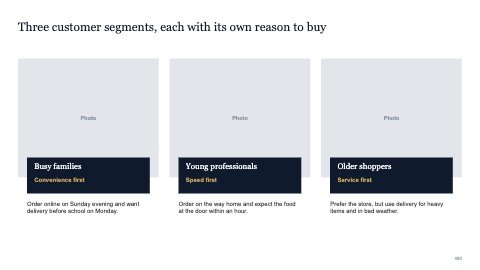
Three pictures with caption panels
MacWindows
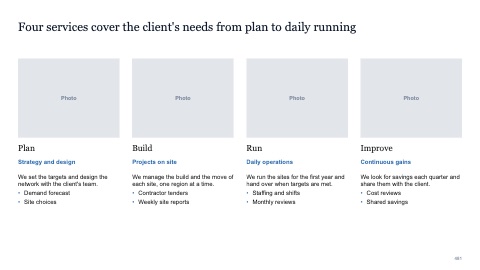
Four text boxes with pictures
MacWindows
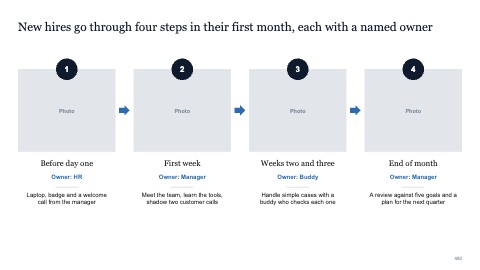
Four steps with pictures
MacWindows
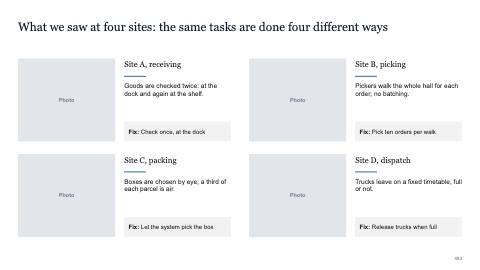
Four pictures in a grid with text
MacWindows
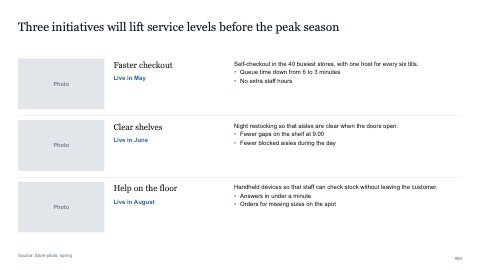
Three rows with pictures
MacWindows
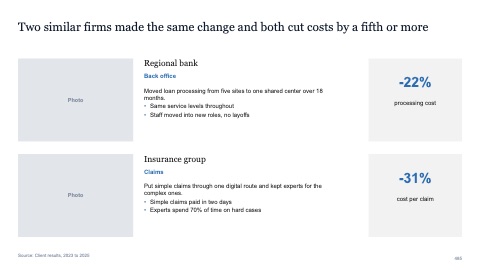
Two rows with pictures and a key figure
MacWindows
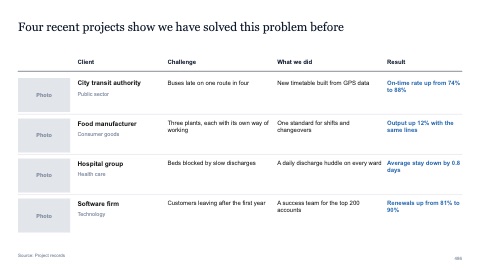
Four case rows with pictures
MacWindows
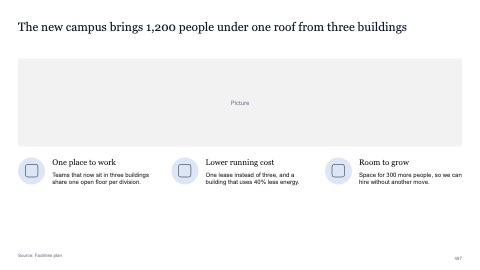
Wide picture with three points
MacWindows
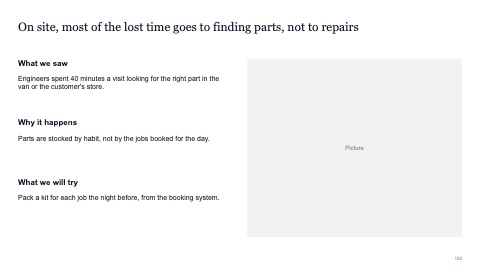
Text and picture
MacWindows
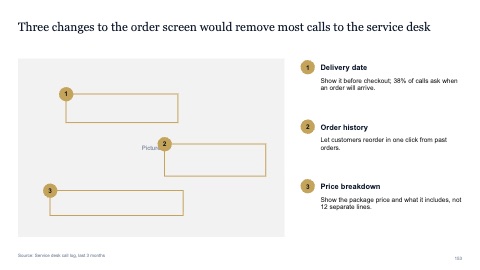
Screenshot with callouts
MacWindows
Numbers and names on the templates are samples. Replace them with your own.
Questions
How do I add callouts to a screenshot in PowerPoint?
Place the screenshot, add numbered circles on the parts that matter, and explain each number in a short list beside it. Keep the numbers in reading order.
How many pictures fit on one slide?
Up to four in a grid before they get too small to read. With more, split them across slides.
Try every page in your own deck
Every SlideShortcuts plan includes the templates, the keyboard shortcuts and the charts.
Start free trial7 days free, then $9.99 a month plus any tax. Card required. We email you 3 days before the trial ends. Cancel before day 7 and pay nothing.