Home › Templates › Pros and cons
Pros and cons slide templates for PowerPoint
Pages for a decision: pros and cons around one choice, on a balance, in two columns, around a central circle, on stacked planes, and three options each with their own pros and cons. End with the recommendation, so the page leads somewhere. Each one arrives in your deck's own colors and fonts.
- Mac: all 10, in the Templates tab of the SlideShortcuts panel.
- Windows: all 10, under Insert > Templates on the SlideShortcuts tab.
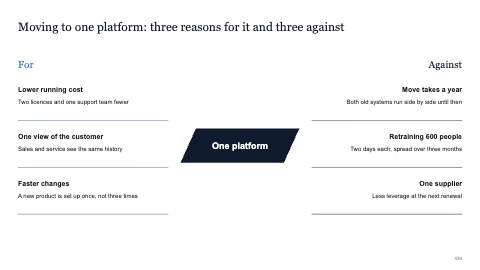
Pros and cons around one decision
MacWindows
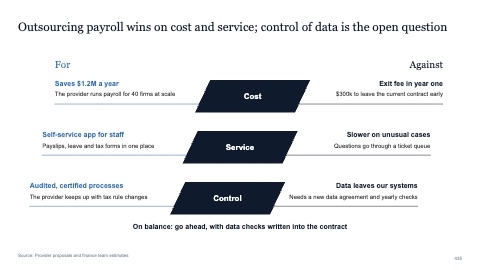
Pros and cons on three stacked planes
MacWindows
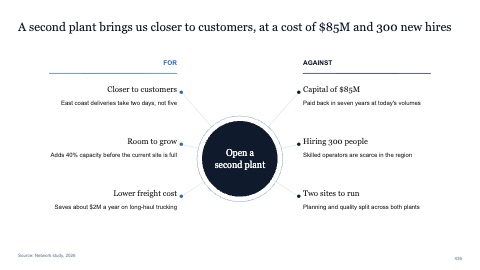
Pros and cons around a central circle
MacWindows
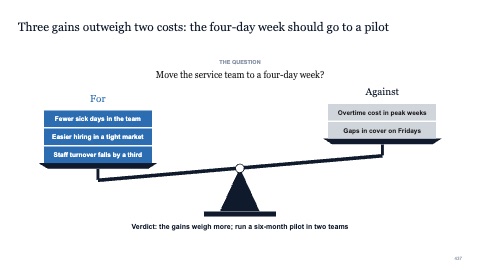
Pros and cons on a balance
MacWindows
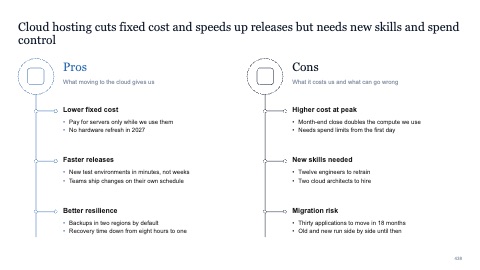
Pros and cons in two columns
MacWindows
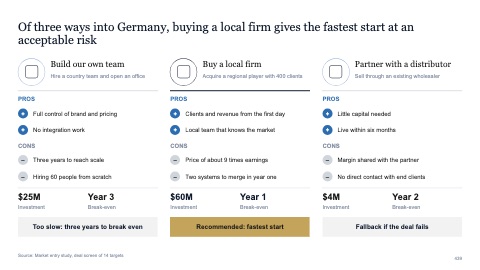
Three options with pros and cons each
MacWindows
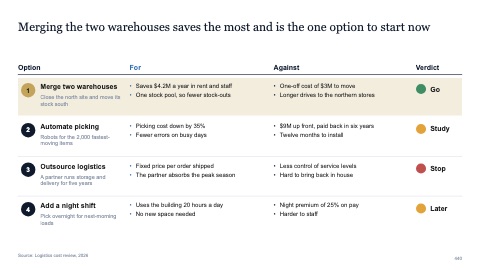
Four options with pros, cons and a verdict
MacWindows
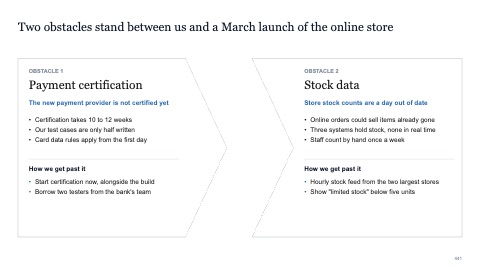
Two obstacles facing each other
MacWindows
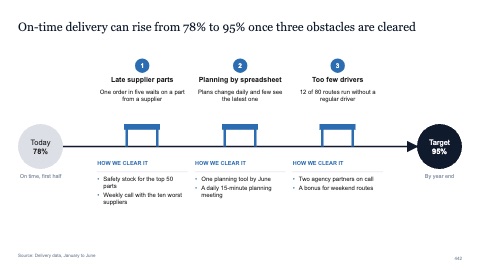
Three obstacles on the path to a target
MacWindows
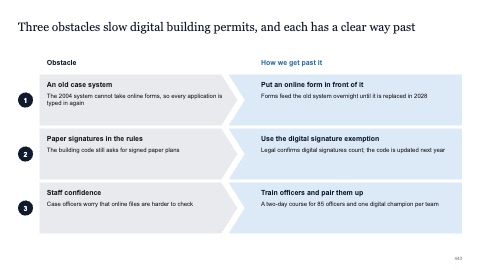
Three obstacles and the way past each
MacWindows
Numbers and names on the templates are samples. Replace them with your own.
Questions
How do I present pros and cons on a slide?
Put the decision in the title, the pros and cons in two balanced columns of short phrases, and the recommendation in one line at the bottom.
How do I compare three options?
Give each option a column with its main pros and cons, use the same criteria for all three, and highlight the one you recommend.
Try every page in your own deck
Every SlideShortcuts plan includes the templates, the keyboard shortcuts and the charts.
Start free trial7 days free, then $9.99 a month plus any tax. Card required. We email you 3 days before the trial ends. Cancel before day 7 and pay nothing.