Home › Templates › Puzzles and building blocks
Puzzle and building block templates for PowerPoint
Pages for parts that fit together: hexagon puzzle pieces, interlocking pieces, four pieces in a row or around a center, and a puzzle with one piece missing. Use them when the message is that the parts only work as a whole, or that one is still to come. Each one arrives in your deck's own colors and fonts.
- Mac: all 18, in the Templates tab of the SlideShortcuts panel.
- Windows: all 18, under Insert > Templates on the SlideShortcuts tab.
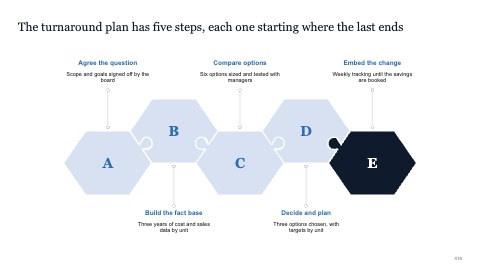
Five hexagon puzzle pieces
MacWindows
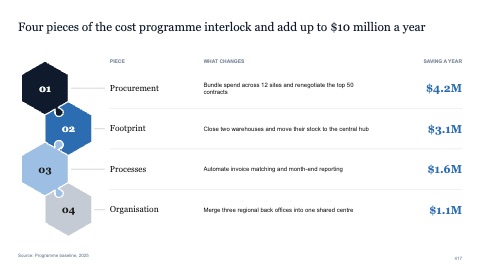
Four hexagon pieces with a table
MacWindows
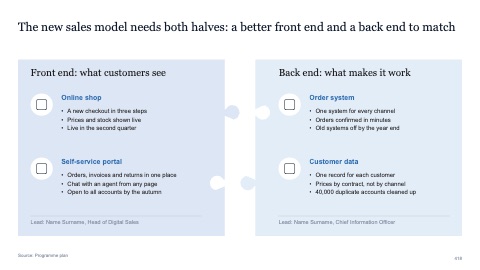
Two interlocking puzzle pieces
MacWindows
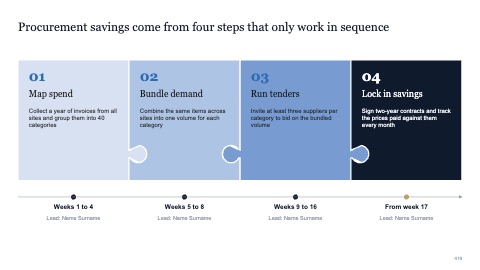
Four puzzle pieces in a row
MacWindows
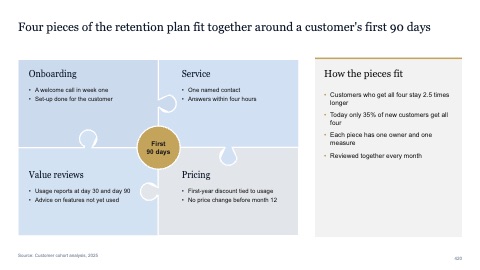
Four puzzle pieces around a centre
MacWindows
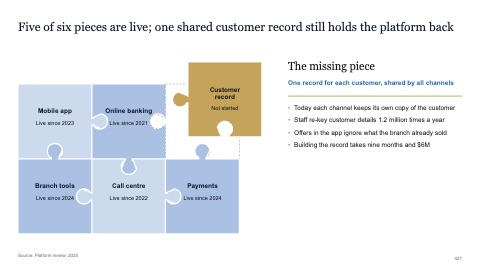
Puzzle with one missing piece
MacWindows
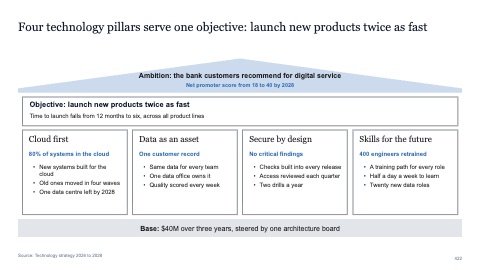
Roof, beam, four pillars and a base
MacWindows
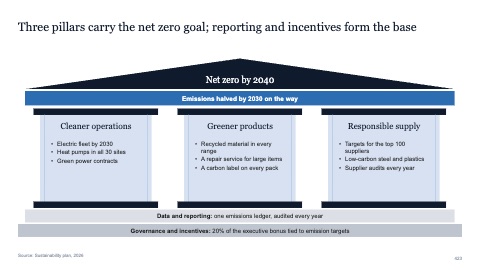
Temple with three columns
MacWindows
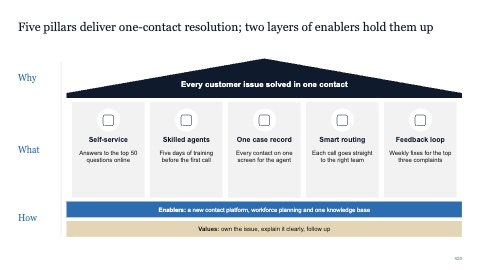
Five pillars with icons and a two-level base
MacWindows
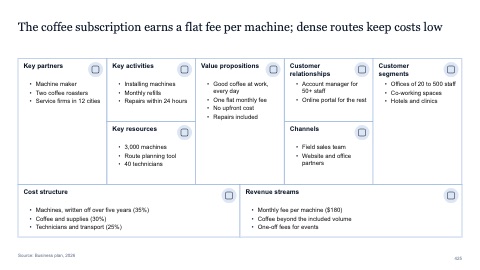
Business model canvas
MacWindows
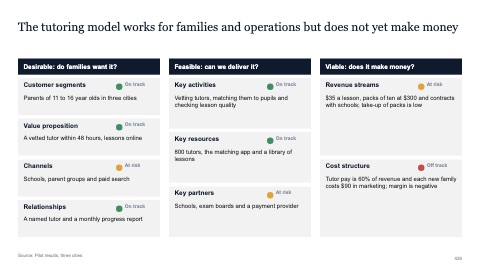
Nine building blocks grouped by test
MacWindows
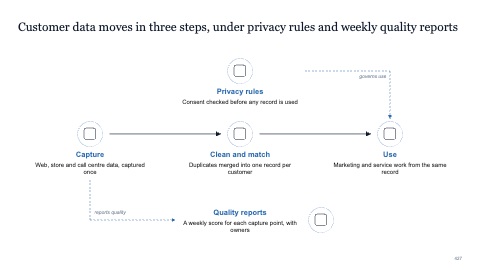
Five building blocks with connectors
MacWindows
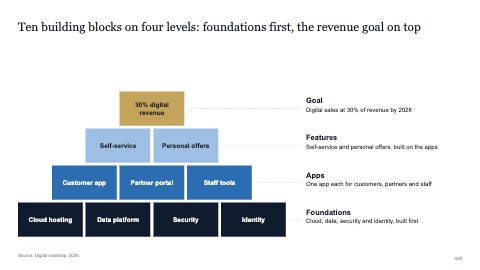
Wall of building blocks
MacWindows

Tower of stacked blocks
MacWindows
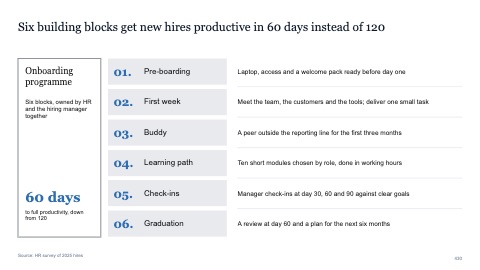
Six numbered building blocks with a summary
MacWindows
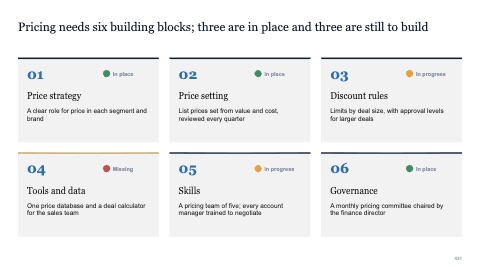
Six building blocks in a grid with status
MacWindows
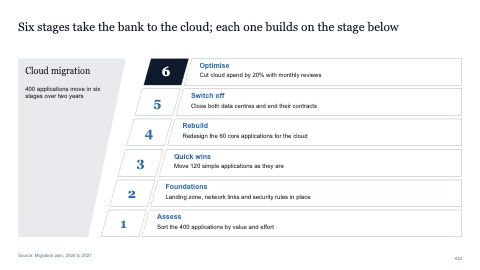
Six blocks stacked into a slanted tower
MacWindows
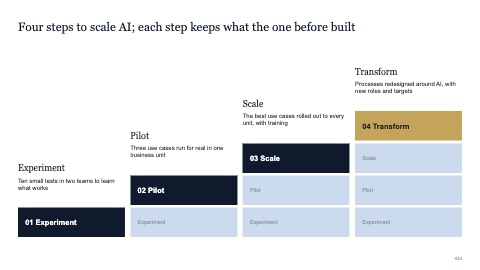
Four steps built from stacked blocks
MacWindows
Numbers and names on the templates are samples. Replace them with your own.
Questions
When should I use puzzle pieces on a slide?
When several parts must work together, such as the pieces of an operating model, or when you want to point at the one piece that's missing.
Are the puzzle pieces editable shapes?
Yes. Each piece is an ordinary PowerPoint shape, so you can recolor, relabel or remove it.
Try every page in your own deck
Every SlideShortcuts plan includes the templates, the keyboard shortcuts and the charts.
Start free trial7 days free, then $9.99 a month plus any tax. Card required. We email you 3 days before the trial ends. Cancel before day 7 and pay nothing.