Home › Templates › Storyline and executive summary
Executive summary and storyline slide templates for PowerPoint
The pages that carry the argument: a cover, an agenda, the executive summary, situation-complication-resolution, key takeaways and section dividers. Use them to set out the answer before the detail, the way a steering committee reads a deck. Each one arrives in your deck's own colors and fonts, with space for a full headline.
- Mac: all 13, in the Templates tab of the SlideShortcuts panel.
- Windows: all 13, under Insert > Templates on the SlideShortcuts tab.

Cover
MacWindows
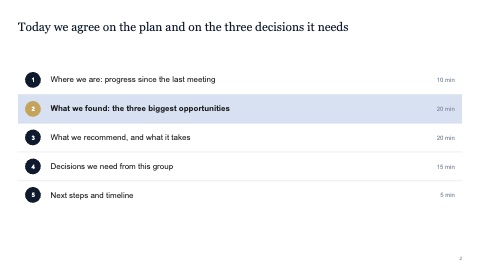
Agenda
MacWindows
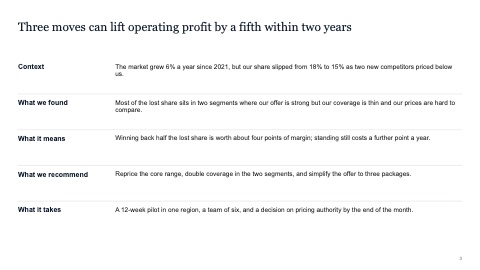
Executive summary
MacWindows
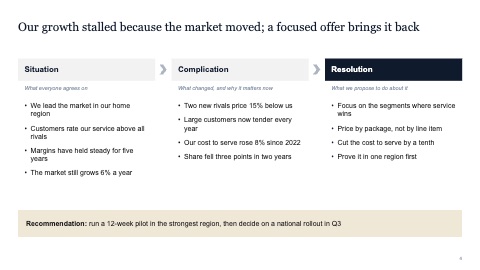
Situation, complication, resolution
MacWindows
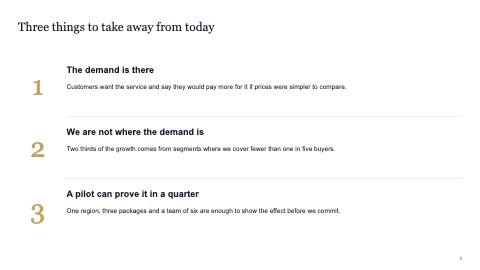
Key takeaways
MacWindows

Section divider
MacWindows
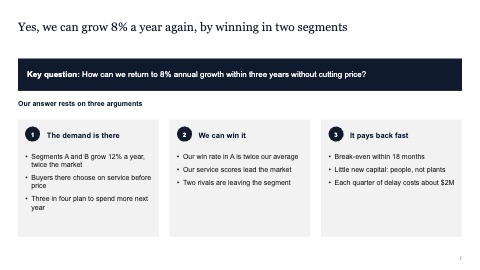
Key question and answer
MacWindows
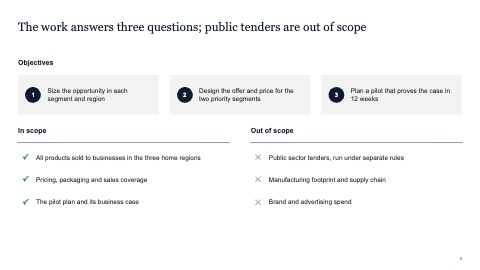
Objectives and scope
MacWindows
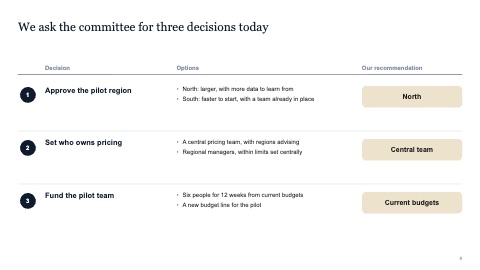
Decisions needed
MacWindows
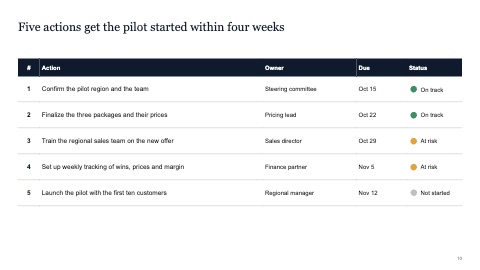
Next steps
MacWindows
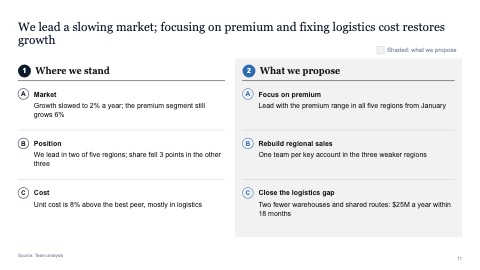
Executive summary: where we stand and what we propose
MacWindows
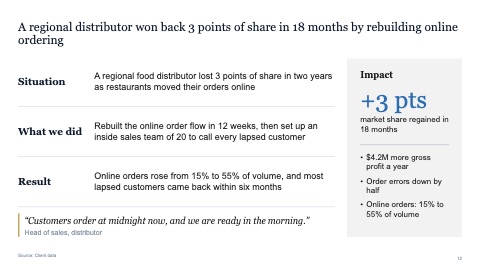
Case study with situation, action, result and impact
MacWindows

Closing
MacWindows
Numbers and names on the templates are samples. Replace them with your own.
Questions
What goes in an executive summary slide?
The answer first, then the three or four points that support it, each as a full sentence. A reader who stops after this slide should know what you recommend and why.
What is situation, complication, resolution?
A way to open a story: what's true today, what changed or went wrong, and what you propose. It keeps the first slides short and leads straight to the recommendation.
Try every page in your own deck
Every SlideShortcuts plan includes the templates, the keyboard shortcuts and the charts.
Start free trial7 days free, then $9.99 a month plus any tax. Card required. We email you 3 days before the trial ends. Cancel before day 7 and pay nothing.